English
 Lietuvių
 Latviešu
 Eesti
 Русский
 Polski
 Українська
 Deutsch
 Italiano
 Español
 Français
 Português
 Čeština
 Magyar
 Română
 Ελληνικά
 Türkçe
 日本語
 العربية
 हिन्दी
 Bahasa Indonesia
 Bahasa Melayu
 ไทย
 Tiếng Việt
 বাংলা
October 28, 2026
Ask Mio for Project Managers: Plans, Risks and Status Updates
Ask Mio for project managers: draft briefs, schedules with working days, risk registers, meeting actions and status updates, then check the result.
Read more →Ask Mio for project managers: draft briefs, schedules with working days, risk registers, meeting actions and status updates, then check the result.
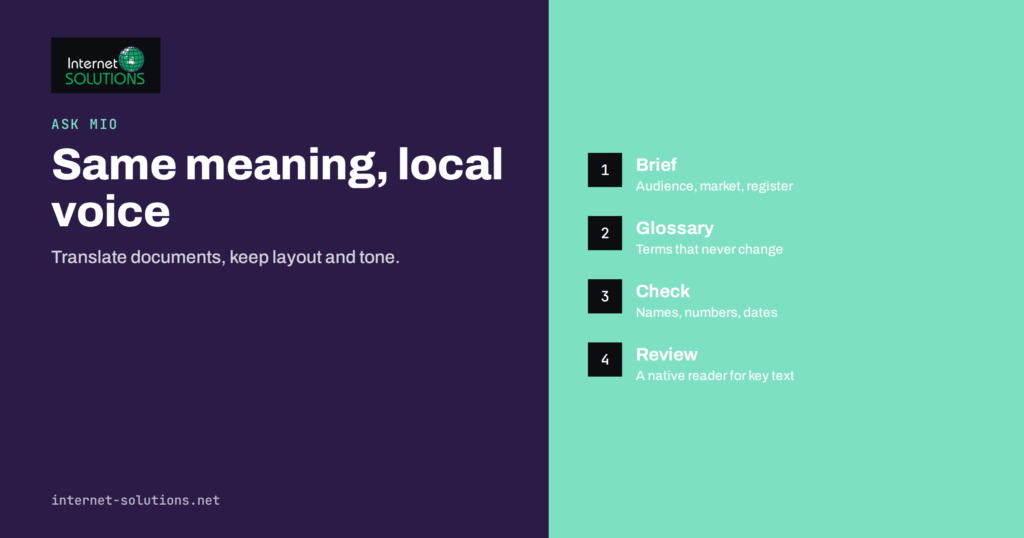
Read more →Ask Mio for translation and localization: brief the assistant, keep formatting, names and numbers, check key passages and know when a human…
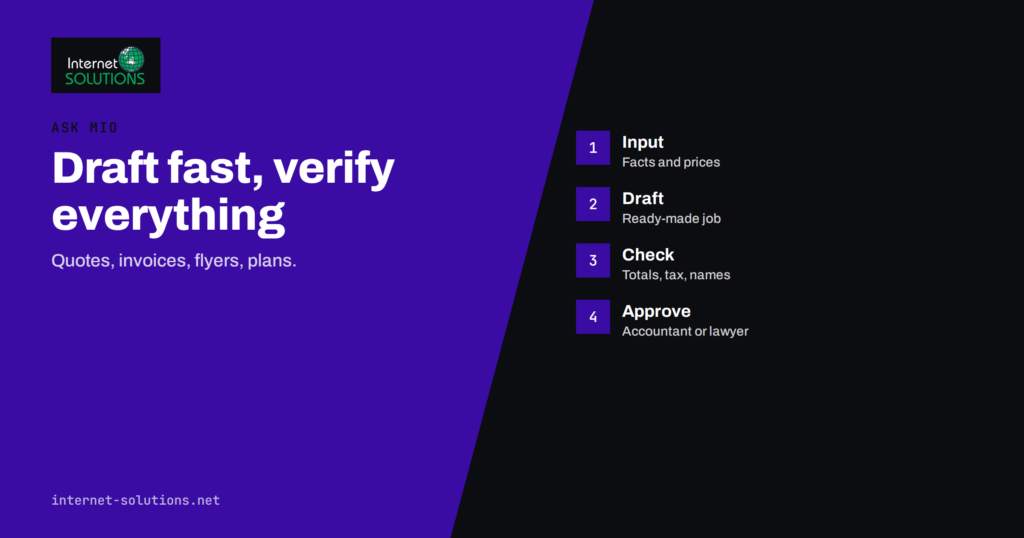
Read more →Ask Mio for paperwork: use ready-made jobs for quotes, invoice drafts, flyers, business plans and contract checks, and verify every figure before…
Read more →Which Ask Mio mode should you use? Learn what Chat, Write, Research, Code and Design are best for, how to choose, and…
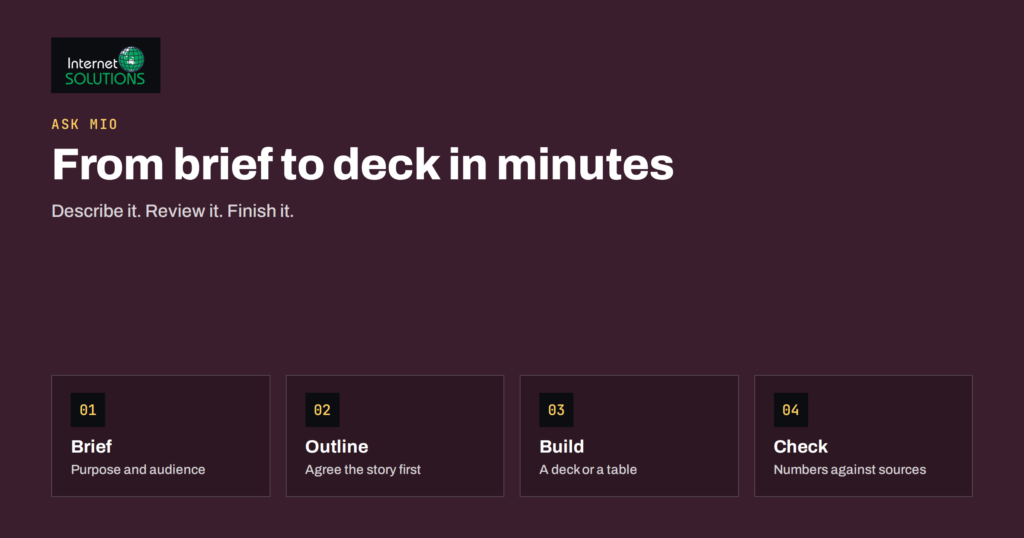
Read more →Ask Mio slides and spreadsheets: write a brief, choose PowerPoint or HTML slides, structure tables with formulas and check the output before…
Read more →Long chats with Ask Mio stay accurate when you use document memory, Headroom and projects well. Learn why chats drift and how…
Read more →Turn your best procedures into Ask Mio skills: how skills and the SKILL.md format work, what to write in one and how…
Read more →Learn what Ask Mio connectors are, which twelve services they cover, how to start with read-only access and how to keep connected…
Read more →Use Ask Mio Design mode to create logos, banners, social images and illustrations from one sentence: how to write the request, refine…
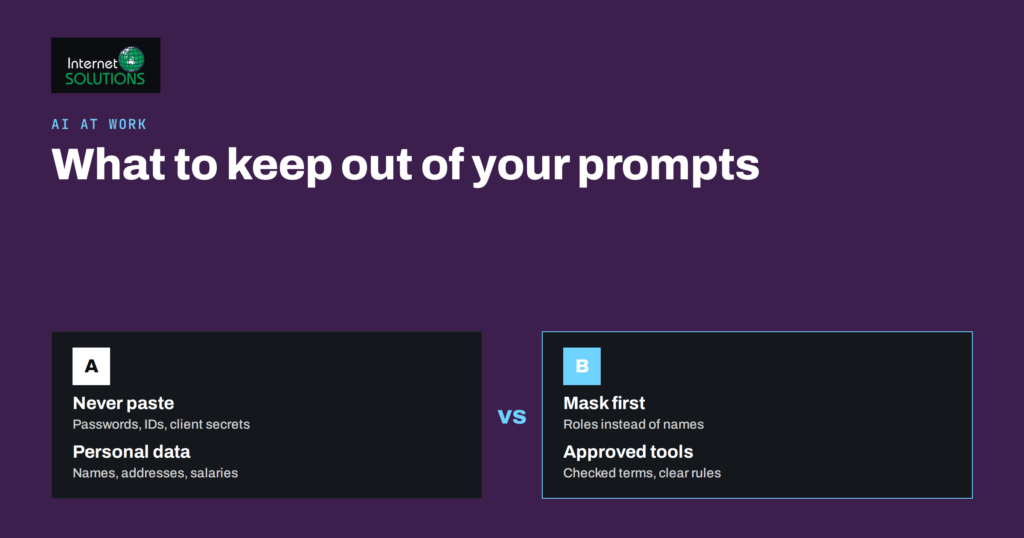
Read more →AI data privacy at work: what to keep out of prompts, how to mask sensitive details, what to check in any AI…
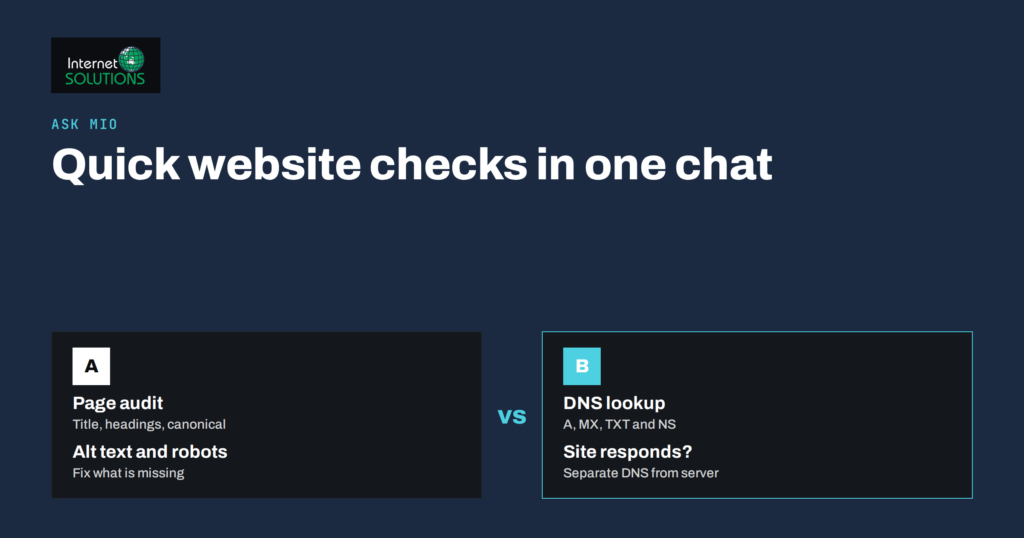
Read more →Run quick website checks in Ask Mio: a page audit for titles, headings and canonicals plus a DNS and domain lookup, with…
Read more →Use Ask Mio ready-made jobs for marketing: write a strong brief, then produce SEO article drafts, social packs, ad texts and landing…
Read more →Products we build and run ourselves — each one saves you time in a different way.