English
 Lietuvių
 Latviešu
 Eesti
 Русский
 Polski
 Українська
 Deutsch
 Italiano
 Español
 Français
 Português
 Čeština
 Magyar
 Română
 Ελληνικά
 Türkçe
 日本語
 العربية
 हिन्दी
 Bahasa Indonesia
 Bahasa Melayu
 ไทย
 Tiếng Việt
 বাংলা
November 8, 2026
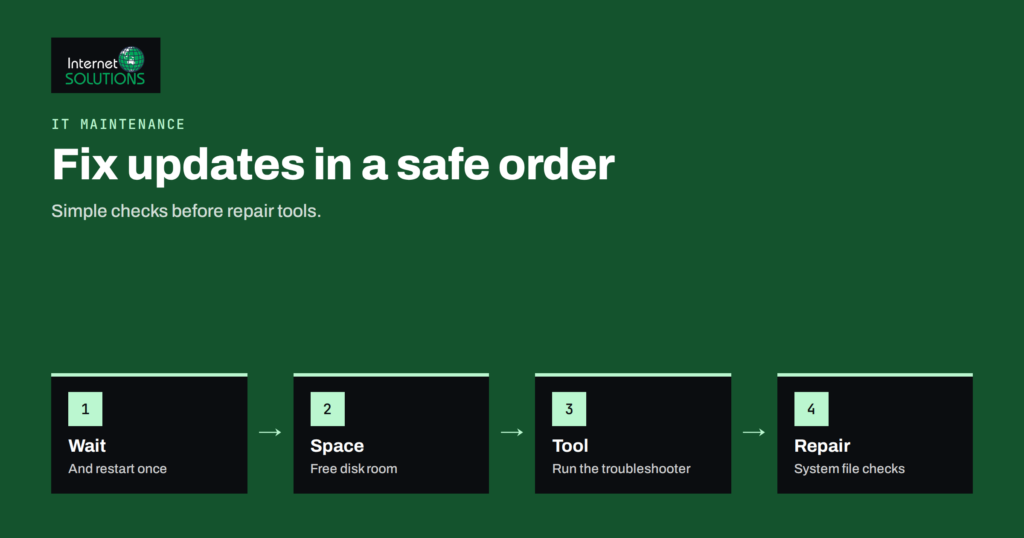
Windows Update Problems: Fixing Stuck, Failed and Looping Updates
Windows Update problems usually have simple causes such as low disk space, a stuck service or a faulty driver. Learn the fixes…
Read more →Computer repair covers diagnosing and fixing faulty hardware, broken networks, software problems and infected systems, so that work can continue. For a business, a single failed computer can stop a salesperson, an accountant or a whole office. Quick diagnosis, the right replacement parts and safe handling of data are what matter most. Regular care prevents many breakdowns from happening in the first place. Internet Solutions repairs and replaces faulty computer hardware and parts, diagnoses and fixes network faults, and installs and administers computer and server software. We remove viruses, set up backups and preventive antivirus care, and recover lost data from hard drives and portable media. Help is available at your office or home, under an IT maintenance contract or on call.
Windows Update problems usually have simple causes such as low disk space, a stuck service or a faulty driver. Learn the fixes…
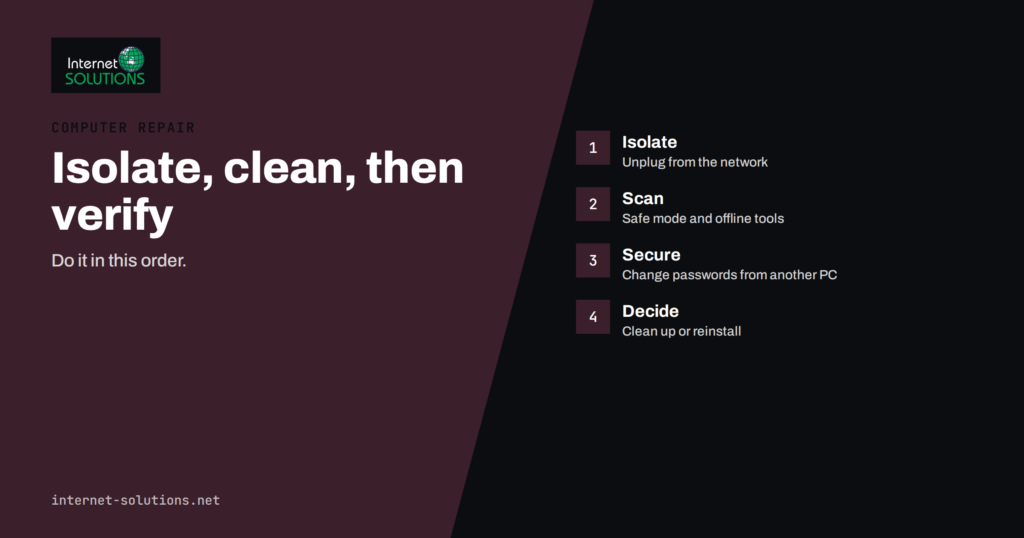
Read more →Malware removal starts with spotting the signs, isolating the machine and cleaning it safely. Learn the steps, when to restore and how…
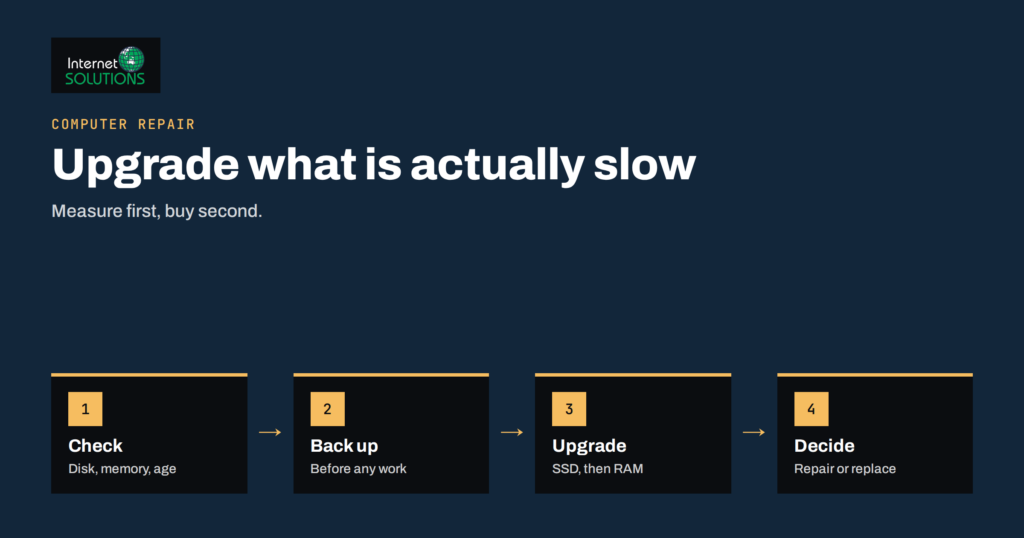
Read more →Upgrading an old PC with an SSD and more memory can add years of use, but not every part is worth the…
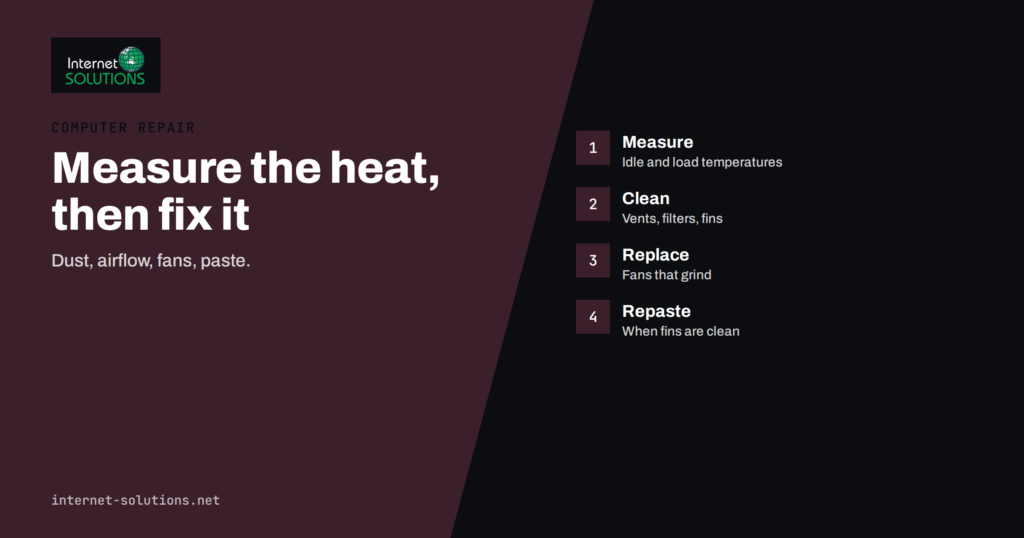
Read more →Computer overheating usually comes from dust, weak airflow, worn fans or dry thermal paste. Learn to measure temperatures and fix the cause…
Read more →UPS and surge protection keep power problems from corrupting files and damaging hardware. Learn the types, sizing, setup, testing and battery care…
Read more →Blue screen of death troubleshooting: record the stop code, protect your data, use Windows repair tools and know when hardware or a…
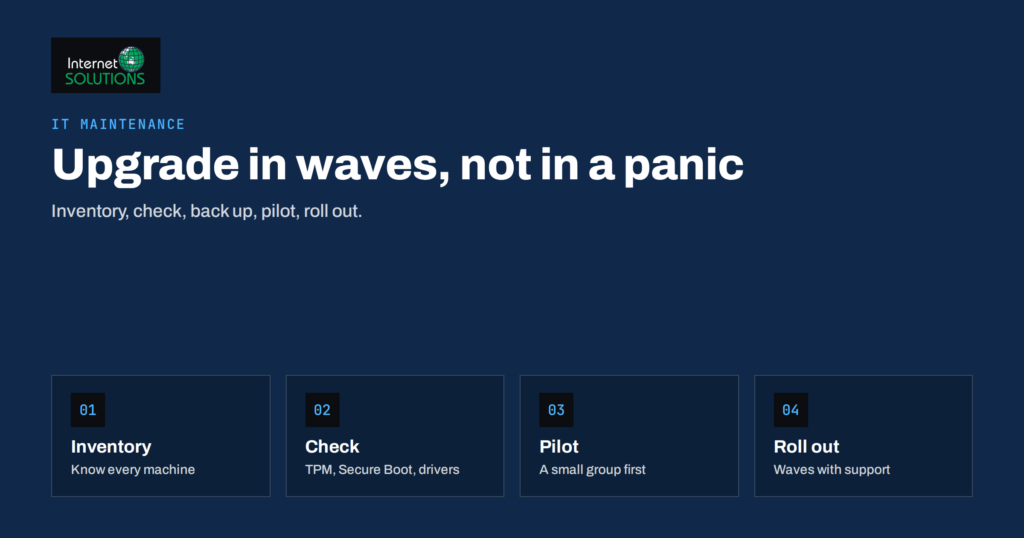
Read more →Windows 11 upgrade planning for business PCs: inventory, compatibility checks, upgrade or replace decisions, backups, a pilot group and a wave-by-wave rollout.
Read more →Laptop battery problems explained: check battery health with built-in tools, handle a swollen battery safely, slow wear and decide when to replace.
Read more →Office printer problems solved in order: print queue, offline printers, paper jams, print quality, drivers and security, plus when to repair or…
Read more →A business laptop buying guide: match machines to roles, choose RAM, storage and warranty, build in security and compare the real cost…
Read more →A slow computer troubleshooting checklist: back up first, read the resource monitor, free storage, trim startup items and know when to call…
Read more →Lost files or a failing drive? What to do in the first hour, how to tell logical from physical failure, when DIY…
Read more →Products we build and run ourselves — each one saves you time in a different way.