

 English
 Lietuvių
 Latviešu
 Eesti
 Русский
 Polski
 Українська
 Deutsch
 Italiano
 Español
 Français
 Português
 Čeština
 Magyar
 Română
 Ελληνικά
 Türkçe
 日本語
 العربية
 हिन्दी
 Bahasa Indonesia
 Bahasa Melayu
 ไทย
 Tiếng Việt
 বাংলা
Talkmio Operator Tools: AI-Suggested Replies, Translation and History
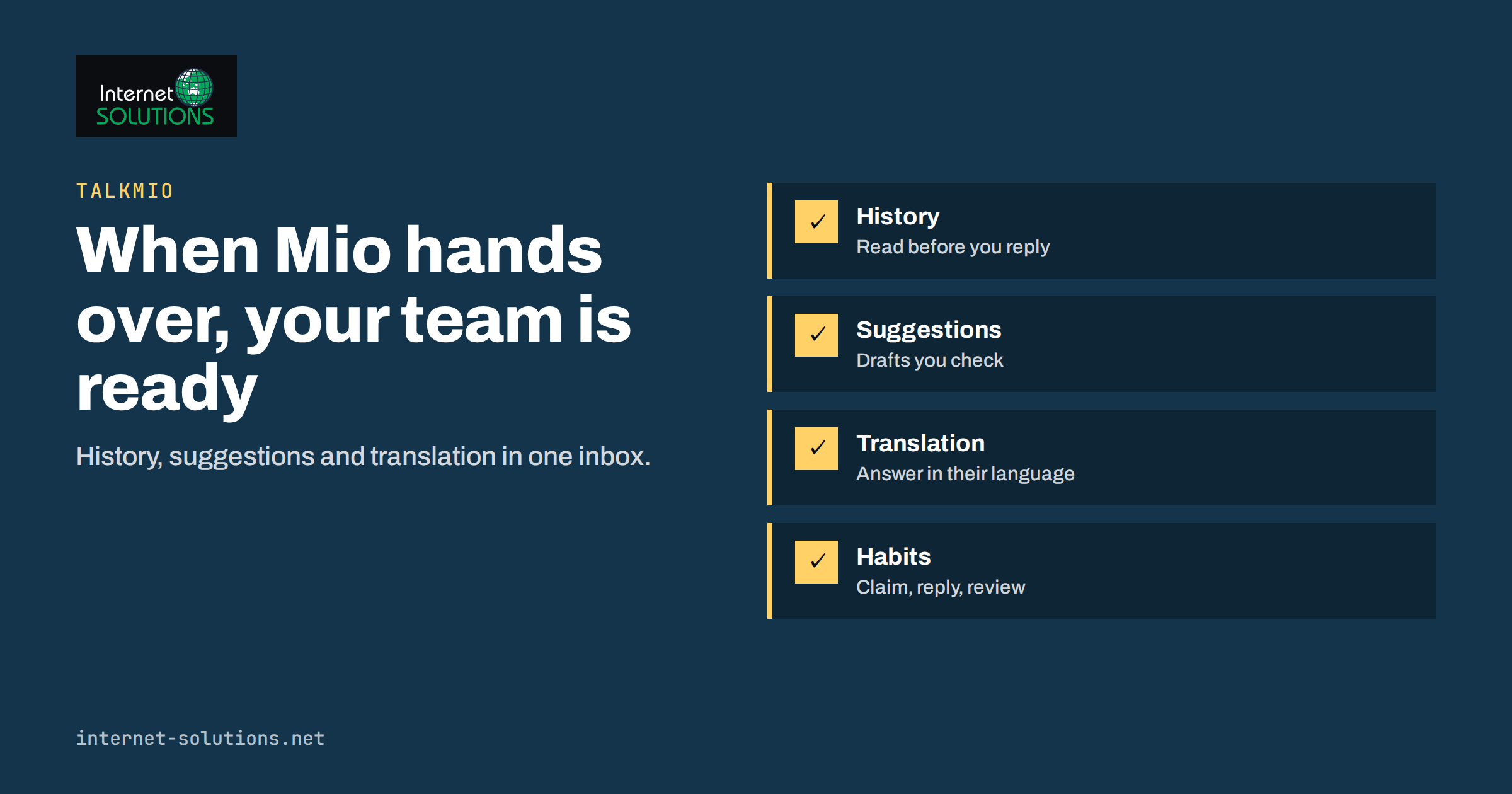
Talkmio operator tools are what a team member uses after Mio, the AI in Talkmio, hands a conversation over. The Talkmio site describes the idea in one line: take over any conversation with the full history, AI-suggested replies and instant translation. For a small team, those three things decide whether a hand-over feels smooth to the visitor or like starting again from zero.
This guide walks through what happens when a chat reaches a person, how to use the history, the suggested replies and translation well, how quick replies and the e-mail route fit in, and how to set simple habits so that quality stays high when several operators share the inbox. Product details come from the live Talkmio pages; where a feature depends on your plan, check the current plans on talkmio.com rather than relying on any number written here.
The Moment of Hand-Over
Talkmio is built so that Mio answers first. According to the Talkmio FAQ, Mio reads your website, your FAQ and the documents you upload, and every answer comes from that content. When Mio is not sure, or when the question needs a person, it tells the visitor that it is connecting them with someone, and the chat appears in your Inbox with the full history. That last phrase matters. The visitor has already explained the problem, and nobody should have to ask them to repeat it.
If your team is offline when a hand-over happens, the FAQ describes a different route: the visitor leaves an e-mail address, you reply from the Inbox, and your answer goes out as an e-mail. The conversation does not disappear; it waits in the same place with the same history. Our guide to after-hours live chat explains how to make that wait feel professional.
From the operator’s side, the hand-over is a small interruption with a clear start. A new conversation needs attention, and everything needed to respond sits in one view. The tools below make that first minute faster and less stressful.
Read the History Before You Type
The full history is the foundation of a good reply. Before writing anything, read the conversation from the top. Look for four things: what the visitor actually asked, what Mio already answered, which page the visitor was on and what is still unresolved. Many weak replies come from answering the last message while ignoring the context.
- The real question. Visitors often start vaguely and become specific in the third message. Respond to the specific one.
- What was already said. If Mio quoted a policy or a price from your content, do not contradict it without checking why.
- Tone. A frustrated visitor needs acknowledgement before information.
- Gaps. If Mio could not answer because your content lacked something, note it so that you can add it later.
That last point is valuable. Every hand-over is a free lesson about what your website and knowledge base do not yet explain. Collect the topics that most often reach a person and turn them into content; our article on the Talkmio knowledge base shows how to teach Mio new answers and test them.
AI-Suggested Replies: Use Them as Drafts
The Talkmio features page lists AI-suggested replies among the tools for the team. The sensible way to use a suggestion is as a first draft written by a fast assistant who has read the conversation. It can save the effort of composing a polite, structured answer, especially when the question is routine. You remain the author, and nothing should be sent that you have not read.
- Read the suggestion against the visitor’s question. Does it answer what they asked?
- Check every fact. Prices, opening hours, delivery times and policy wording must match your real rules.
- Adjust the tone. Make it sound like your business and like a person, with the visitor’s name if you know it.
- Remove anything you cannot promise. Do not let a draft commit you to refunds, dates or discounts that you have not approved.
- Send, then note anything you changed. Repeated corrections show that your content needs updating.
Suggestions help most on questions that follow a pattern and least on sensitive ones, such as complaints, legal questions or anything involving personal data. For those, write the answer yourself and take the time to be accurate. Our guide to live chat etiquette covers wording that builds trust.
Instant Translation for Mixed-Language Chats
Talkmio also offers instant translation for operators. The FAQ explains that Mio replies in the language the visitor writes in, and that the chat window itself is translated, with Lithuanian, English, German, Polish, Russian, Spanish, French and more than thirty other languages mentioned. For a human operator, translation means you can understand a visitor who writes in a language you do not speak and answer in theirs.
Use it with care. Translation is excellent for the gist and for simple answers, but nuance can be lost, particularly with idioms, legal terms or product names. Keep your sentences short and concrete, avoid slang and confirm important details, such as dates and amounts, by restating them. If the question is critical, for example a contract or a medical matter, consider offering to continue by e-mail with a qualified colleague. Our guide to multilingual live chat describes how to organise a team that serves several languages.
How the Tools Fit Together
The three tools support different parts of the same job. This table shows where each helps most and what to watch.
| Tool | Helps with | Best used when | Watch out for |
|---|---|---|---|
| Full history | Understanding the visitor and avoiding repeated questions | Every hand-over, always first | Skimming and answering only the last message |
| AI-suggested replies | Speed and structure in routine answers | Common questions with clear answers in your content | Unchecked facts and promises |
| Instant translation | Serving visitors in other languages | Simple, practical questions | Nuance in legal, medical or contractual topics |
| Quick replies | Consistent wording for frequent answers | Greetings, opening hours, standard procedures | Sounding robotic if overused |
Quick replies are covered in more detail in our article on the Talkmio inbox workflow, along with notes, assignments and service targets. Together these features let a small team behave like a larger one without losing the personal touch.
Set Team Habits That Keep Quality High
Tools help only when people use them consistently. A few agreed habits make the difference, especially when several operators share the inbox.
- Claim a conversation before replying, so that two people do not answer the same visitor.
- Respond within a stated time. Research on response times has long shown that people lose patience quickly; the Nielsen Norman Group’s summary of response time limits is a useful reminder that seconds matter online.
- Write down handover rules. Decide which topics always need a person, such as complaints and special orders.
- Review a sample of chats weekly, with a short checklist: accuracy, tone, speed and whether the visitor’s problem was solved.
- Feed the lessons back. Add missing answers to your content so that fewer routine questions reach a person.
New operators benefit from a first-week plan; see training new chat operators. If you want help organising a chat set-up for your team, our Talkmio page explains the product and how to start.
Write Replies That Read Well in a Small Window
A chat window is narrow, and visitors read it between other tasks. Replies that work well there are short, specific and easy to scan. Put the answer in the first sentence, then add one detail or next step. If the answer needs a list, keep it to three items. Avoid long paragraphs, because they look like a wall of text in a small widget, and avoid corporate phrases that sound as if no person is present. The Nielsen Norman Group’s guidance on chat user experience offers further advice on pacing, wording and expectations.
When you need time to check something, say so: “I am checking this with the warehouse and will reply within five minutes.” Then keep the promise, or follow up before the time runs out. Visitors forgive a short wait they were told about far more readily than silence. End a conversation clearly as well. Confirm that the question is solved, offer a way to reach you again and, where appropriate, ask for a rating. A clear ending helps your reports and leaves a better impression than a chat that simply stops.
Keep a short list of phrases for situations that recur: apologising for a mistake, declining a request politely, explaining that something is outside your service and handing a case to a colleague. Having these ready avoids both rushed wording and copy-paste coldness, and your suggested replies and quick replies can be edited to match them.
Privacy and Records
Conversations often contain personal details. Treat them accordingly. Ask only for information you need, do not request sensitive data in chat unless your process is designed for it, and tell visitors how their messages will be used. The Talkmio FAQ states that conversations belong to you and that you can export or delete them at any time, which makes it easier to respond to requests from people about their data. Decide how long you keep transcripts and who may read them, and document the rule. Our article on live chat and GDPR describes the points to cover.
Translation and suggestions are tools, not decision-makers. If a visitor’s request involves a legal right, such as access to personal data, follow your formal procedure instead of improvising in chat, and move the conversation to a channel where you can verify the person’s identity.
Measure What Operators Do
Finally, measure. Talkmio reports describe conversations per day, how much Mio solves alone, first-reply time and ratings, and paid plans add reports. Watch first-reply time for human conversations separately from the AI’s answers, and look at ratings by topic. If hand-overs rise, your content may be thin; if ratings fall on translated chats, your operators may need guidance on simple language. Improvement then becomes a routine of small changes rather than a guess. See live chat metrics for how to read the numbers.
It also helps to agree on a small number of standard phrases for internal notes on conversations that need follow-up, such as “waiting for customer”, “waiting for colleague” and “to add to content”. Consistent notes turn a busy inbox into a queue that can be reviewed in a few minutes at the end of the day, and they make hand-overs between shifts far less error-prone.
Frequently Asked Questions
What happens when Mio cannot answer a question?
According to the Talkmio FAQ, Mio tells the visitor it is connecting them with a person, and the chat appears in your Inbox with the full history.
What if nobody on my team is online?
The visitor leaves an e-mail address, you reply from the Inbox, and the answer is sent as an e-mail.
Should I send an AI-suggested reply without editing it?
No. Treat it as a draft, check the facts and adjust the tone before sending. You are responsible for what goes to the visitor.
Can I chat with visitors in languages I do not speak?
Talkmio offers instant translation for operators, which helps with simple, practical questions. For critical or legal topics, move to a channel where a qualified person can help.
How many operators can I have?
It depends on your plan. The Free plan includes one operator, and paid plans include more; check the current limits on the Talkmio plans page.
How do I reduce the number of chats that need a person?
Review the conversations that were handed over, find the questions your content did not cover and add the answers to your knowledge base, then test them.
The Bottom Line
When a chat reaches your team, the quality of the next minute decides the visitor’s impression. Read the full history, use AI-suggested replies as drafts you check, use instant translation for simple questions and agree team habits for claiming, timing and review. Then feed the lessons back into your content so that Mio handles more next month and your operators spend their time where people matter most.