

 English
 Lietuvių
 Latviešu
 Eesti
Eesti Русский
 Polski
 Українська
 Deutsch
 Italiano
 Español
 Français
 Português
 Čeština
 Magyar
 Română
 Ελληνικά
 Türkçe
 日本語
日本語 العربية
 हिन्दी
 Bahasa Indonesia
 Bahasa Melayu
 ไทย
ไทย Tiếng Việt
 বাংলা
বাংলাWebsite Handover: What a Client Should Receive When the Site Goes Live
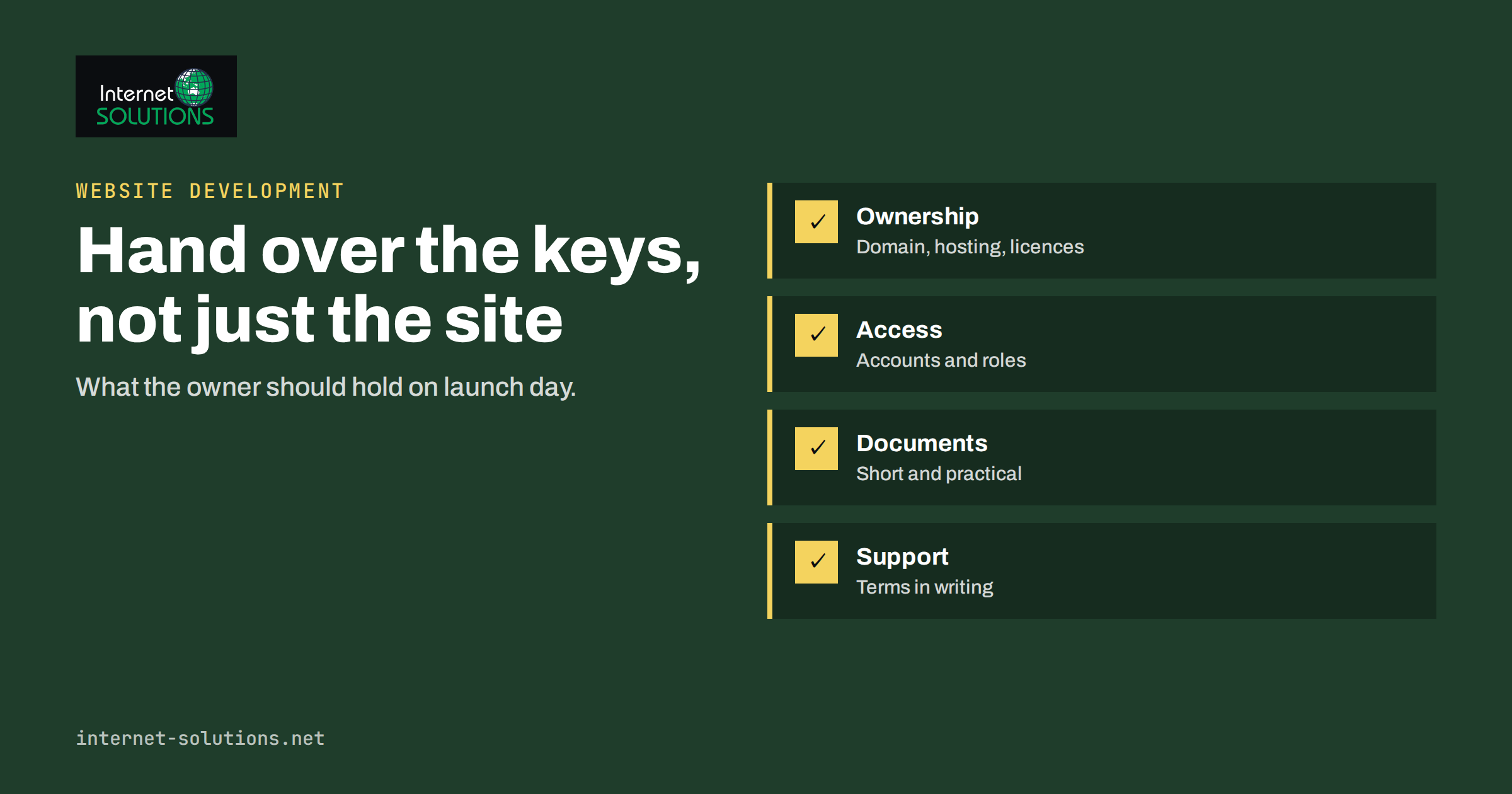
A website handover is the moment a project stops being a build and starts being a business asset, and it is often done badly. The site is live, the invoice is paid, and the client is left with a login that nobody remembers creating, a domain registered in a developer’s name and no idea how to change a phone number without breaking the layout. Months later, something fails and nobody knows who is responsible or where the files are. A good website handover prevents that. It is a short, planned package of access, documents, training and agreements that lets the owner run the site with confidence, whether they keep working with the original developer or move on.
This guide is written for both sides. Business owners will learn what to ask for before accepting a finished website. Developers and agencies will find a checklist they can reuse for every project, so each handover is complete, fair and easy to repeat.
Why Handover Deserves Its Own Plan
Most disputes after a launch come from unspoken assumptions. The client thought the domain was theirs, and the developer thought it was part of hosting. The client expected changes to be free for a year, and the developer expected a paid support plan. The client assumed backups existed, and nobody had ever tested a restore. Written handover removes those assumptions.
A planned handover also protects the work itself. A site left without clear ownership of updates, backups and monitoring slowly decays: plugins become outdated, certificates expire, forms stop sending mail, and the first the owner hears of it is a missed enquiry. The handover is where you decide who will prevent that, and how.
The Handover Package at a Glance
| Area | What the client should receive | Why it matters |
|---|---|---|
| Ownership | Domain registered to the client, hosting account in the client’s name or a documented arrangement, licences for paid tools | The owner can always take the site elsewhere |
| Access | Admin accounts for the owner, a password manager entry, a list of every service and who holds each login | No dependency on one person’s memory |
| Documentation | Site map, technology list, how to update content, how forms and e-mail work | A new developer can pick up the work in hours, not days |
| Backups and recovery | Schedule, location, retention and a tested restore | A failure is an inconvenience, not a disaster |
| Security | Update policy, two-step login, user list, contact for incidents | Known owner for each risk |
| Analytics and search | Access to analytics and search console, tracking list, consent set-up | The owner sees the data from day one |
| Training | A session and a short guide for the team | Routine edits do not require a ticket |
| Support terms | What is covered, response times, costs, how to ask | No surprise bills or silence |
Ownership: Domain, Hosting and Licences
Ownership comes first because it is the hardest thing to fix later. The domain name should be registered to the client’s company, with the client’s e-mail address as the registrant contact. If the agency registered it on the client’s behalf, document that and transfer it, or at least give the client a way to unlock and move it. Our article on domain name management, renewals, registrar locks and transfers explains why renewals and locks deserve attention.
The same goes for hosting, DNS, e-mail accounts and third-party services such as stock photo licences, fonts, premium plugins, theme licences and mapping or form services. For each one, record who pays, who owns the account, when it renews and whether the licence allows the client to continue using it without the agency. Where the developer hosts the site as part of a service, say so plainly, explain what the client can request at any time, such as a full copy of the site and database, and how quickly it would be delivered.
Access: Accounts, Roles and Passwords
Hand over access as a controlled process rather than a pasted list of passwords in an e-mail. Create a personal administrator account for the owner or their nominated manager, and individual accounts for any staff who will edit content, with the lowest role that lets them do the job. Our guide on WordPress user roles and permissions describes how to apply least privilege.
Use a shared password manager for the credentials that must be shared, such as hosting and registrar logins, and turn on two-step verification wherever it is available. Remove or change temporary and developer accounts at the end of the project, or move them to a clearly labelled agency account with a stated purpose. Finally, write down an access register: one line per service, with the account owner, the date of the last password change and where the recovery e-mail goes. This single page often saves the most time in an emergency.
Documentation the Owner Can Actually Use
Documentation should be short and practical. A long technical specification that nobody reads helps no one. Aim for a few pages that answer the questions a new person would ask.
- What the site is built with. The content system and its version, the theme, the key plugins or modules, the hosting plan, the version of the server software and any external services.
- How the site is structured. A page list or site map, the main templates, where menus are edited and which sections are reusable.
- How common tasks are done. Changing text and images, adding a page or a blog post, updating a price list, editing the footer, publishing a news item.
- How forms and e-mail work. Where the form sends messages, which address receives them, how spam is filtered and what to check if enquiries stop arriving.
- How the site is updated and backed up. What is updated automatically, what needs manual attention and where backups are stored.
- What not to touch. Settings, code snippets and plugins that look harmless but break the site if changed.
Include a one-page document with the project in plain language: why the key design decisions were made, which pages carry the most traffic or conversions, and which promises the site makes, such as a delivery time or a guarantee, which must be kept accurate. Good IT documentation is valuable far beyond websites, so keep the website notes with the rest of your company records.
Backups, Updates and Monitoring
Before launch, confirm that backups exist, that they include both files and the database, that they are stored away from the server that runs the site, and that someone has restored one to a test copy. A backup that has never been restored is only a hope. Record the schedule, the retention period and who can request a restore. The UK National Cyber Security Centre has a plain-language small business guide that covers backups, passwords and updates and is a useful reference for the owner.
Next, agree who updates what. Content systems, themes and plugins need regular updates for security and compatibility, and each update carries a small risk. The best approach is to test updates on a staging copy first, then apply them live and check the key pages. Our guides to staging sites and to a website maintenance plan give a simple routine.
Finally, set up monitoring. At minimum, an uptime check that alerts a named person when the site is down, a reminder for the certificate and domain renewal dates, and a periodic check of form delivery. Each alert should have an owner and an expected response time written in the support terms.
Analytics, Search and Tracking
The client should have direct access to the analytics and search tools that measure the site, and they should be set up under the client’s own account. If the agency created them under its own account, transfer ownership or add the client as an owner. Provide a list of what is tracked: key events, forms, phone clicks, purchases, and any advertising pixels, along with the consent banner configuration. When someone later asks why a figure changed, this list is the starting point.
Give the owner a first baseline: the number of indexed pages, the main keywords the site is expected to rank for, the page speed results at launch and the conversion rates, if known. Without a baseline, nobody can say later whether the site has improved. Check the site against Google Search Essentials at launch, so that nothing blocks crawling or indexing. A post-launch review after 30 and 90 days, covering traffic, search visibility, enquiries and technical health, closes the loop and is a natural moment to plan improvements.
Training the Team
A one-hour session with a screen share, and a recording or short written guide afterwards, is usually enough for routine editing. Cover the tasks the team will actually do: log in safely, edit a page, add an image with a proper description, publish a blog post, check form entries and see the analytics summary. Let each person do each task once while you watch. Written guides age quickly, so keep them short and tied to screenshots of the live site.
Also teach the boundaries. Explain what the team should do themselves, what should go to the support contact, and which actions can hurt search visibility, for example deleting a page that has traffic without a redirect. Explaining the reason behind a rule makes people follow it.
Support Terms and Warranty
Many projects include a short warranty for defects found after launch. Define what counts as a defect: something that does not work as agreed in the specification, as opposed to new requests, changes of content or problems caused by later edits. State the length of the warranty period, how to report a problem, the expected response time and the priority levels. After the warranty, offer clear options: a monthly maintenance plan with a fixed scope, a pay-as-you-go hourly rate, or nothing at all, in which case the documentation should be good enough for another party to take over.
If you are a client, ask for these terms in writing before you accept the site. If you are a developer, put them in the handover document, because a clear boundary is kind to both sides. Our article on what an IT maintenance contract should cover lists the points that should appear in such terms.
The Acceptance Checklist
Before the client signs off, run through a short checklist together, preferably on a call. It turns the launch into a joint decision rather than a one-way delivery.
- All pages, forms and links tested on desktop and mobile.
- Test enquiries received at the correct address, and spam filtering working.
- Redirects from old addresses tested, if the site replaced an earlier one.
- Search engines allowed to index the site, and the sitemap submitted.
- Analytics and consent working and verified in the tools.
- Backups confirmed, with a restore tested.
- Domain, hosting and licence ownership documented.
- Accounts delivered, temporary access removed and two-step login enabled.
- Training done and documentation delivered.
- Support terms and contacts agreed in writing.
The most common last-minute problem is a staging setting left on, such as a “discourage search engines” option, which hides the new site from search. Our website launch checklist covers those technical checks in more depth. If you want a partner to build and maintain a site, see the website development page of Internet Solutions.
Frequently Asked Questions
Who should own the domain name of a business website?
The business that uses it. The registrant should be the client’s company, with an e-mail address the client controls, so that renewals and transfer codes go to the right people. If an agency holds it temporarily, document the arrangement and the transfer process.
Should a client receive the source files and a copy of the database?
Agree this before the project starts. Clients should at least be able to obtain a full backup of the site and its content. Source files and custom code are usually covered by the contract, so state who owns them and under which licence, particularly for third-party themes and plugins.
How long should the warranty period be?
Thirty to ninety days is common. It should be long enough for real use to reveal defects, and clearly separate from new work and from problems introduced by later changes.
What if the developer disappears after launch?
That is exactly why ownership, documentation and access matter. With the domain, hosting and admin accounts in the client’s hands and a short technical note, any competent developer can take over without starting from scratch.
Do small sites need all of this?
The scale changes, but the principles do not. For a five-page site, the package may be a single document with the ownership list, access register, backup note and support terms, and a half-hour training call.
When should the handover happen?
Start it before the launch. Ownership, accounts and documentation are easier to arrange during the project, and the acceptance checklist should be completed before the site goes live, not weeks afterwards.
The Bottom Line
A complete website handover gives the owner four things: ownership of the domain, hosting and licences; controlled access to every account; documentation and training that make routine work easy; and written terms for backups, updates and support. Plan it from the start, run the acceptance checklist together and keep the paperwork short. The result is a website that keeps working long after launch day, whoever looks after it.