

 English
 Lietuvių
 Latviešu
 Eesti
Eesti Русский
 Polski
 Українська
 Deutsch
 Italiano
 Español
 Français
 Português
 Čeština
 Magyar
 Română
 Ελληνικά
 Türkçe
 日本語
日本語 العربية
 हिन्दी
 Bahasa Indonesia
 Bahasa Melayu
 ไทย
ไทย Tiếng Việt
 বাংলা
বাংলাGoogle Ads Experiments: Testing Changes Without Risking the Account
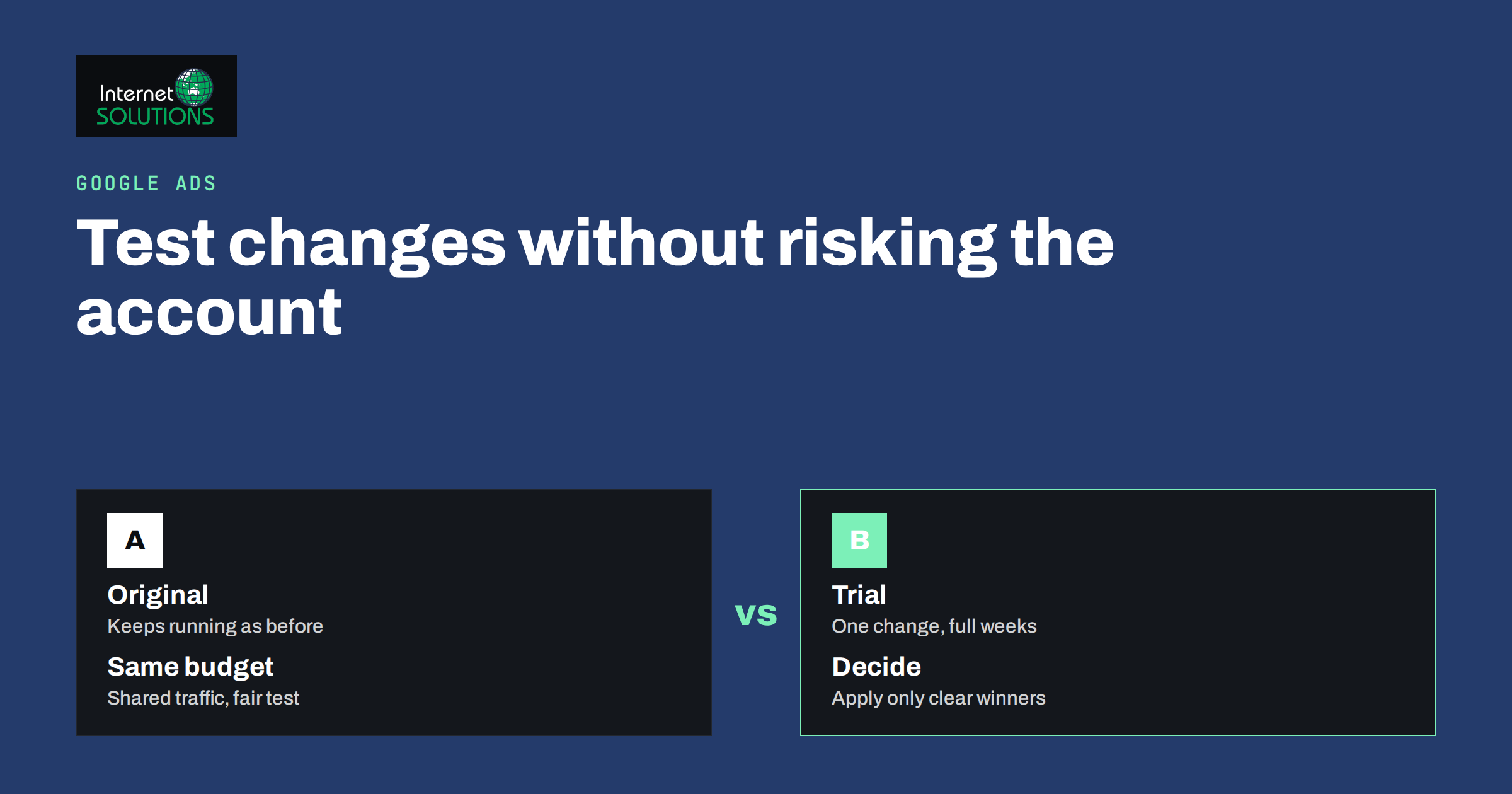
Every Google Ads account reaches a point where the obvious improvements are done and the next ones are guesses. Should you switch to a different bidding strategy? Does the new landing page convert better? Will a broader keyword set add customers or only cost? Changing the live campaign and watching the numbers is the usual way to find out, and it is also the least reliable. Seasons, competitors, budgets and day-of-week effects all move at the same time, so a before-and-after comparison proves very little.
Google Ads experiments solve this by running the original and the change side by side at the same time, on the same market, with traffic divided between them. This guide explains what experiments are, what they are good for, how to design one that gives a trustworthy answer, and how to apply the result. It is written for business owners and marketers who manage their own account or review the work of an agency, and it assumes you know the basics covered in our guide to account structure.
Why Before-and-After Comparisons Mislead
Imagine you change the bidding strategy on the first of the month and conversions rise by fifteen percent by the end of it. The strategy may have helped, but several other things could explain the rise: a holiday, a competitor running out of budget, a new product launch, a press mention or a change in the weather for a seasonal service. You cannot separate these causes after the fact. The reverse also happens: a good change looks bad because demand dropped for unrelated reasons, and you cancel something that was working.
A fair test needs two groups that are alike in everything except the change. That is the idea behind every controlled experiment, and it is what the experiments feature in Google Ads is built to provide.
What a Google Ads Experiment Is
An experiment is a copy of an existing campaign, called the trial, that runs next to the original, called the base. You make one or more changes to the trial, set what share of traffic and budget it receives, and let both run for a period. Google Ads then reports the results side by side so you can compare conversions, cost per conversion, click-through rate and other measures. According to Google’s description of custom experiments, the experiment shares the original campaign’s traffic and budget, which is what makes the comparison fair.
For Search campaigns, the traffic can be divided in two ways. A search-based split decides for each individual search which version serves the ad. A cookie-based split keeps each user in one version, so a person who sees the original does not later see the trial. The cookie-based option is cleaner when people search several times before they buy, while the search-based option usually gathers data faster. Display campaigns use cookie-based splits. Google’s documentation on how to set up a custom experiment lists the exact options available for each campaign type, and these change over time, so check the current screen before you plan.
Experiments are available for several campaign types, including Search, Display and Video. Availability is different for some other types, such as Shopping, and there are dedicated experiment tools for newer campaign types, so read the current help pages for the campaign you run.
What to Test
Good experiments test a clear idea that could change results meaningfully. The most useful categories are:
- Bidding strategy. Manual CPC against a target CPA or maximize-conversions strategy, or a different target value. Our guide to bidding strategies explains the options.
- Ads and assets. A new set of responsive search ad headlines, a different offer or a different call to action.
- Landing pages. Sending the trial to a new page, or a rebuilt version of the old one. Experiments that change the destination page often show the largest differences.
- Keyword and match type strategy. Broad match with smart bidding against phrase and exact match, or the addition of a new keyword theme.
- Audience settings. Observation or targeting changes, or the addition of remarketing lists.
- Budget and settings. Network settings, location options or ad schedule changes.
Avoid testing trivial differences, such as one word in a description. The result will be too small to measure in the time you have. Save small refinements for ordinary optimisation and use experiments for decisions that matter.
Start With a Hypothesis
Write the idea as a sentence before you open the setup screen: “If we move this campaign to a target CPA strategy, cost per lead will fall by at least ten percent without lowering lead volume by more than five percent.” A hypothesis forces you to choose the metric that decides the test, the size of change that counts as a win and the limit beyond which you will stop. Without it, you will find yourself reading the report after two weeks and choosing the numbers that look best.
Pick one primary metric, usually conversions or cost per conversion, and treat the others as supporting evidence. If your conversion tracking is weak, fix it first. An experiment measured with unreliable conversions only produces confident-looking noise, which is why our guide to conversion tracking that holds up is a sensible prerequisite.
Change One Thing at a Time
If you change the bidding strategy, the landing page and the ad copy in the same trial, you will not know which change caused the result. Test one variable per experiment. When you have several ideas, queue them: run one experiment, apply the winner, and then test the next change against the new baseline. It feels slower, but it produces knowledge you can reuse.
The exception is a deliberate package, such as a full new landing page with new messaging. In that case, treat the package as the variable and accept that you are testing the package, not the individual parts.
Design the Experiment
| Setting | Recommended approach | Reason |
|---|---|---|
| Traffic split | Fifty-fifty when the campaign has enough conversions; a smaller share for the trial when the change is risky | An even split gathers data fastest; a smaller share limits exposure if the trial performs badly |
| Split type | Search-based for speed; cookie-based when buying takes several visits | Cookie-based keeps each person in one version |
| Duration | At least several weeks, covering full weekly cycles | Short tests catch day-of-week noise and learning periods |
| Start and end dates | Avoid major holidays and sales unless that is what you are testing | Unusual demand distorts both versions differently |
| Budget | Make sure both versions can spend their share | A capped version cannot be compared fairly |
| Primary metric | One metric chosen in advance | Prevents choosing the winner afterwards |
Give Smart Bidding Time to Learn
Automated bidding strategies need data and a learning period, and the trial begins that period from a fresh start. The first days often look worse than the original, because the system is still adjusting. Do not end the experiment after a week because of early numbers. Allow enough time and enough conversions for the strategy to settle, and read the results only after that point. If the campaign receives only a handful of conversions per month, a bidding experiment may not reach a clear answer in a reasonable time, and a different type of test, such as an ad or landing page test, is more realistic.
How Long and How Much Data
There is no universal duration, but two principles help. First, run the test for whole weeks, because behaviour differs between weekdays and weekends. Second, wait until each version has enough conversions that the difference cannot be explained by chance. Google Ads shows whether a result is statistically significant for the metric you select, and you should prefer that signal to your own impression. If the report says the difference is not significant, the honest conclusion is “no proven difference”, not “the trial lost” or “the trial won”.
When results are inconclusive, you have three choices: extend the experiment, make the test more different from the original so that the effect is larger, or accept that the change does not matter and keep the simpler option.
Reading the Results
Look first at the primary metric you defined. Then check the supporting numbers to understand why. If conversions rose and cost per conversion stayed flat, the change brought more volume at the same efficiency. If cost per conversion fell but conversions also fell, the strategy may have become more conservative, and the question is whether the lost volume mattered to your business.
Also look at what happens beyond the platform. A landing page that raises leads but lowers lead quality is not a win. If you track which leads become customers, bring that data back into the account, as described in our article on offline conversion import, so the experiment can be judged on outcomes and not only on form submissions.
Apply, Extend or End
When the experiment finishes you can usually apply the changes to the original campaign or convert the trial into a new campaign. Apply only if the result met the threshold you wrote down. Record what you tested, what happened and what you decided, in a simple change log. After a few months, that log becomes the most valuable document in the account, because it records what does and does not work for your market.
If the trial lost, end it and note the reason. Negative results save money: you found out cheaply that an idea did not work, without moving the whole budget to it.
Common Mistakes
- Stopping too early. Early data is noisy, and automated strategies need time to learn.
- Changing the experiment while it runs. Edits to the base or trial during the test break the comparison. If you must change something, restart the test.
- Testing during unusual periods. Sales, holidays and campaign launches distort the result.
- Running overlapping tests on the same traffic. Two experiments that touch the same campaign make the results hard to interpret.
- Ignoring tracking problems. If conversions are missing or duplicated, the comparison is meaningless.
- Declaring a winner without enough data. A small difference on a few conversions is not a result.
Experiments and the Rest of Your Testing
Experiments are one of several ways to learn. Ad-level tests inside a single ad group, as in our guide to responsive search ads, are quick and cheap. Landing page testing can be done with page-level tools. Experiments are best when the change touches the whole campaign, including bidding, targeting or structure, and you need a reliable comparison. If you want a second opinion on what to test first, our Google Ads team can audit the account, rank the opportunities and set up the tests with you.
Frequently Asked Questions
What is a Google Ads experiment?
It is a controlled test in which a copy of a campaign, with your proposed change, runs alongside the original and shares its traffic and budget. Google Ads reports the results side by side so you can see whether the change improved performance before you apply it.
How long should a Google Ads experiment run?
Run it for several full weeks at least, and long enough for each version to collect enough conversions for a reliable comparison. Campaigns with fewer conversions need longer. Do not judge the result during the learning period of an automated strategy.
Can I test bidding strategies with an experiment?
Yes. Comparing manual bidding with an automated strategy, or one target against another, is among the most common uses. Make sure conversion tracking is accurate and the campaign has enough conversions for the automated strategy to learn.
What is the difference between a cookie-based and a search-based split?
A search-based split decides which version serves each individual search, while a cookie-based split keeps each user in the same version. Search-based splits gather data faster, and cookie-based splits give a cleaner comparison when customers search several times before buying.
What if the experiment result is not significant?
It means the data does not prove a difference. You can extend the test, make the change bigger and test again, or keep the simpler setup. Do not apply a change on a result the report marks as inconclusive.
Do I need a large budget to run experiments?
You need enough conversions to compare, not a particular budget. Small accounts can still test ads, landing pages and keyword settings, but they should choose changes likely to have a large effect and allow more time.
The Bottom Line
Google Ads experiments let you test an idea on part of your traffic while the original keeps running, which removes most of the guesswork from before-and-after comparisons. Write a hypothesis and a primary metric, change one thing, give the test full weeks and enough conversions, and read the significance indicator before you decide. Apply only the changes that clearly win, end those that do not, and keep a log of what you learned. Used this way, experiments turn account management from a series of risky edits into a steady, low-risk habit of improvement.