

 English
 Lietuvių
 Latviešu
 Eesti
Eesti Русский
 Polski
 Українська
 Deutsch
 Italiano
 Español
 Français
 Português
 Čeština
 Magyar
 Română
 Ελληνικά
 Türkçe
 日本語
日本語 العربية
 हिन्दी
 Bahasa Indonesia
 Bahasa Melayu
 ไทย
ไทย Tiếng Việt
 বাংলা
বাংলাLive Chat for Training Providers, Schools and Courses With Talkmio
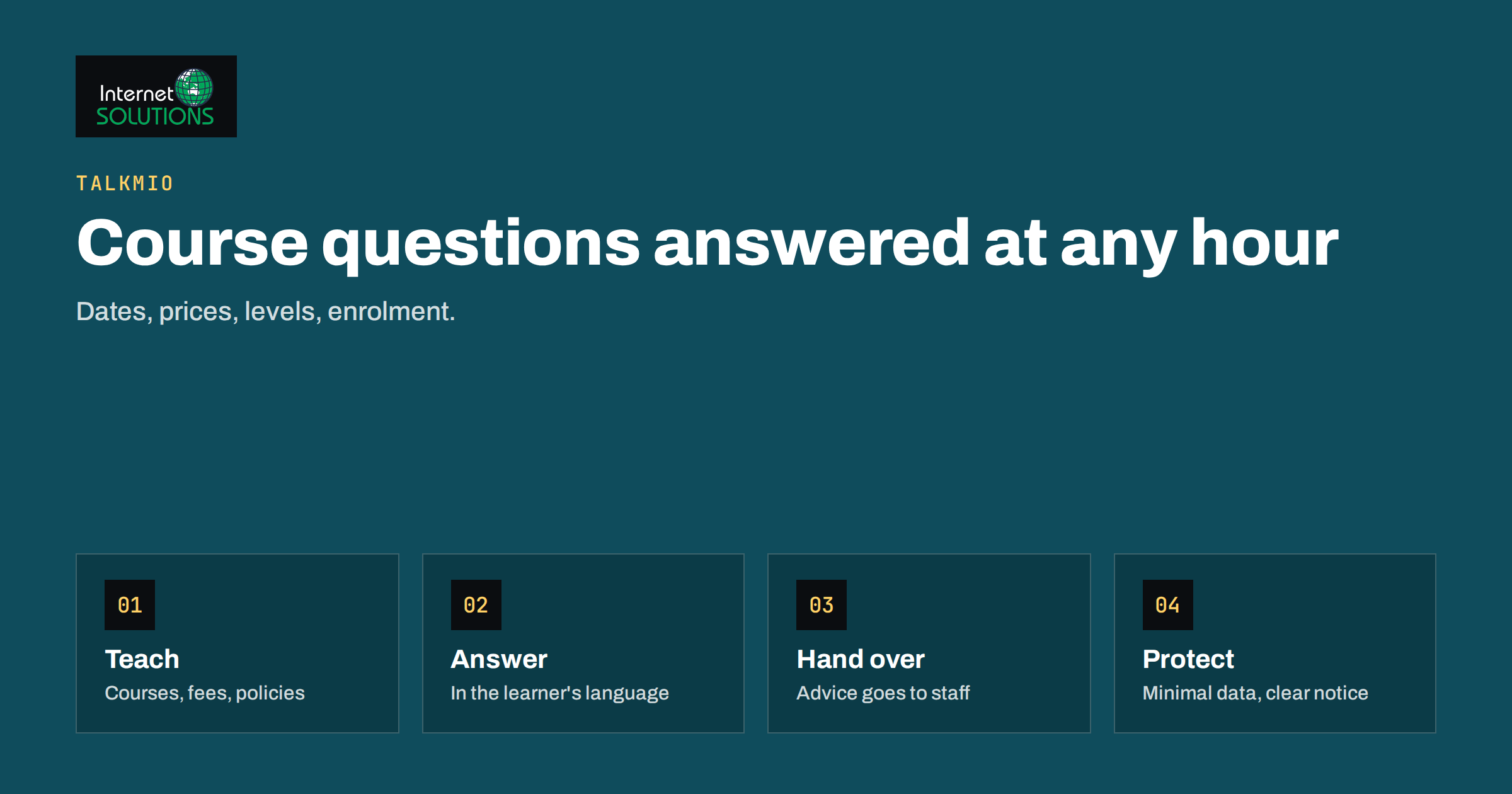
Live chat for training providers works differently from live chat for a shop. A person choosing a course is making a commitment of money and time, often for themselves, sometimes for a child or an employee. Their questions are specific and repeated: when does the next group start, what does it cost, is there a payment plan, what level do I need, what will I be able to do afterwards, and how do I enrol. Language schools, driving schools, music academies, coding bootcamps, private tutors and corporate trainers all receive versions of the same questions all day, often outside office hours.
This guide explains how a training business can use Talkmio, an AI live chat and inbox for websites, to answer those questions quickly, collect enquiries and hand the right ones to staff. It covers what to teach the assistant, how to handle enrolment and payment questions, what to do about children and personal data, and how to measure the result. It describes a practical approach and does not promise specific enrolment numbers.
Why Training Websites Lose Enquiries
Most visitors to a course page do not fill in a contact form. They look at the schedule, check the price, and leave to compare other providers. If one question is unanswered, the visit ends. Typical causes are easy to recognise.
- Information is scattered. Dates are on one page, prices on another and entry requirements in a downloadable file.
- Enquiries arrive in the evening. Adults who work and parents who finish the day’s tasks browse courses after hours, when nobody is at the desk.
- Forms feel slow. Waiting a day for a reply to a simple question is long enough for the person to enrol elsewhere.
- Foreign-language visitors. Language schools and international programmes attract people who prefer to ask in their own language.
- Questions of fit. “Is this the right level for me?” is hard to answer from a brochure, and an unanswered doubt turns into a postponed decision.
What Talkmio Does for a Training Business
Talkmio adds a chat widget to your site with one line of code, or through the WordPress plugin. It reads your website, the Q&As you add and the documents you upload, such as a price list, then answers visitors in more than thirty languages at any hour. When it is not sure of an answer, it tells the visitor it is connecting them with a person, and the conversation appears in your inbox with the full history. Emails can become numbered tickets too, so chat and mail live in one place. The Talkmio page gives the overview and the current free plan details.
For a training provider, this fits the pattern of the work: most questions are repeated and factual, a minority need a person, and timing matters.
What to Teach the Assistant
The assistant answers from your content, so the quality of the result depends on what you put in. Prepare a short set of reliable sources and keep them current. Our guide to the Talkmio knowledge base explains the general method. For training businesses, include the following.
- Course catalogue. Each course with level, duration, format (in person, online or mixed), language of instruction and a short description of outcomes.
- Dates and availability. Next start dates and how to find the current ones. If availability changes quickly, tell the assistant to direct visitors to the live booking page rather than quoting a number.
- Prices and payment. Fees, what is included, instalment options, discounts, deposits and accepted payment methods, exactly as you want them stated.
- Entry requirements and level checks. Prerequisites, placement tests and how a visitor can find the right level.
- Policies. Cancellation, refunds, missed lessons, make-up sessions, and what happens if a course does not run.
- Practical details. Location, parking, equipment, software needed for online courses, materials and exam registration.
- Enrolment steps. What the visitor does first, which documents are needed, and who contacts them afterwards.
Talkmio is built to avoid inventing prices or policies and to hand over when it is unsure, but that works only when your own pages are clear. If your website contradicts itself, the chat will reflect it. Treat the knowledge base as a chance to tidy the source material.
Common Conversations and How to Handle Them
“Which course is right for me?”
Let the assistant ask two or three simple questions, for example current experience, goal and available time, and then point to the matching course page and, when needed, a placement test. If the visitor is unsure, offer a handover to an adviser. This conversation is where a person adds the most value, so make the handover easy.
“How much does it cost, and can I pay in instalments?”
Give the published price and the payment options as written. Do not allow the assistant to improvise discounts or special arrangements. Anything outside the published terms should go to a staff member.
“When does the next group start?”
If your dates change often, link to the live schedule instead of repeating dates in several places. Out-of-date dates are one of the most common sources of frustration.
“Can I try a lesson first?”
If you offer trials, describe them clearly. If a trial requires a booking, the chat should collect the name, contact details and preferred time and pass them on.
“I am writing for my child”
Parents and guardians are a large part of the audience for schools and tutoring. Answer in the same way, and see the section below on young people and personal data.
Complaints and sensitive matters
Do not leave complaints, safeguarding concerns, refund disputes or health-related matters to automation. Configure a clear route to a named person and tell visitors that a staff member will respond.
Opening Hours, Staffing and Hand-Over
Staff time in a training business is spread between teaching and administration, so the chat should not require someone to stare at a screen. A workable model is that the assistant answers first, around the clock, and staff handle conversations at set times. Use quick replies for the questions staff answer repeatedly, and internal notes to pass context between colleagues. We describe the setup of an after-hours routine in our article on after-hours live chat. Whatever you choose, tell visitors honestly when a person will reply, and keep that promise.
Language and Accessibility
Many training providers serve people who study in a second language. Talkmio replies in the visitor’s language, and the inbox offers translation so staff can read and answer in their own. If you teach a language, check that the assistant answers about your courses in the language the visitor chooses while the course content itself remains described accurately. Our article on multilingual live chat covers this in detail.
Accessibility matters as well, especially for education. Learners include people who use keyboards, screen readers and magnification. The W3C accessibility principles are a good starting point for checking that the chat is usable by everyone. Test that you can open the widget, type, read replies and close it without a mouse.
Young People and Personal Data
Training providers often deal with minors or with parents acting for them, and that raises the standard for handling data. Collect only what you need to answer the question: a first name, an email address or phone number and the course of interest are usually enough. Avoid asking for dates of birth, health information or identity documents in chat. Explain in your privacy notice how chat data is used and for how long it is kept, and tell visitors to avoid sharing sensitive details in the conversation. Our guide to live chat and GDPR explains the practical points.
The rules on children’s consent differ between countries. In the European Union, the General Data Protection Regulation sets rules for children’s consent to online services; see Article 8 of the GDPR for the text. Check the position in your own country, and ask your adviser if you collect data directly from minors.
Comparing Contact Channels for Course Enquiries
| Channel | Speed | Works after hours? | Best for | Weakness |
|---|---|---|---|---|
| Contact form | Hours to days | Only collects the message | Detailed or formal requests | Visitors leave before an answer arrives |
| Telephone | Immediate when answered | No | Complex discussions and sales conversations | Staff interruptions, missed calls |
| Hours to a day | Collects the message | Documents and follow-up | Slow for first questions | |
| Live chat with AI first reply | Seconds | Yes | Repeated factual questions and course matching | Needs an accurate knowledge base |
| Live chat with human hand-over | Minutes when staffed | Handover waits for the team | Advice and enrolment help | Needs defined staff hours |
Setting It Up in a Week
You do not need a long project. A realistic plan for a small provider looks like this.
- Day 1: create the account, add the widget with the script or plugin and check that it appears on course pages.
- Day 2: let Mio read your site, then review its answers to your ten most common questions.
- Day 3: add the missing Q&As and upload the price list and policies.
- Day 4: write quick replies and decide who answers handed-over chats and when.
- Day 5: test as a visitor, in more than one language, on desktop and phone.
- Days 6 and 7: go live on a few pages, read the first conversations and correct answers.
Then keep improving from real questions. Every handed-over chat is a clue to something the website or the knowledge base did not explain well.
Measuring the Result
Talkmio reports conversations per day, how much Mio solves alone, first-reply time and ratings. Add your own measures from the business side: enquiries per week, enrolments that began with a chat, the proportion of conversations handed to staff and the questions that recur most often. Compare against the weeks before launch, and judge over at least a month because course enquiries follow the academic and seasonal calendar. A rise in handed-over chats about one topic usually signals a page that needs rewriting.
Common Mistakes
- Letting the chat quote old dates or prices because the knowledge base was never updated.
- Offering discounts or promises in chat that are not in your published terms.
- Collecting more personal data than the question requires.
- Forgetting that parents and guardians often write on behalf of a learner.
- Giving no clear route for complaints and safeguarding concerns.
- Testing only on a desktop computer and missing problems on phones.
Frequently Asked Questions
Can the chat enrol students?
It can answer questions, direct visitors to your enrolment page and pass their details to staff. Keep the formal enrolment and payment steps in your own booking process.
Will it answer in my learners’ language?
Talkmio answers in more than thirty languages, so visitors can ask in their own. Check key answers in the languages your students use most.
What if it does not know the answer?
It tells the visitor it is connecting them with a person, and the conversation appears in your inbox with the full history, so your staff can continue without asking again.
Is it suitable for schools that handle minors?
It can be, with care. Collect minimal data, avoid sensitive details in chat, follow your local rules on children’s data and route safeguarding matters to a named person.
Do I need a developer to install it?
No. You add one line of code or install the WordPress plugin, and setup takes a couple of minutes for most sites.
How do I keep dates and prices current?
Update the source pages and uploaded documents whenever they change, and link to live schedule pages instead of repeating dates in many places.
The Bottom Line
Live chat for training providers works best when it answers the repeated factual questions instantly, in the visitor’s language, and hands the advisory and sensitive conversations to a person. Prepare a clear knowledge base, keep dates and prices in one place, collect minimal personal data and measure enquiries and enrolments against the weeks before launch. With Talkmio the setup takes days, not months, and the improvement continues every time you read a real conversation and fix what the website did not explain.