

 English
 Lietuvių
 Latviešu
 Eesti
Eesti Русский
 Polski
 Українська
 Deutsch
 Italiano
 Español
 Français
 Português
 Čeština
 Magyar
 Română
 Ελληνικά
 Türkçe
 日本語
日本語 العربية
 हिन्दी
 Bahasa Indonesia
 Bahasa Melayu
 ไทย
ไทย Tiếng Việt
 বাংলা
বাংলাResponsive Search Ads: Writing Google Ads Headlines That Perform
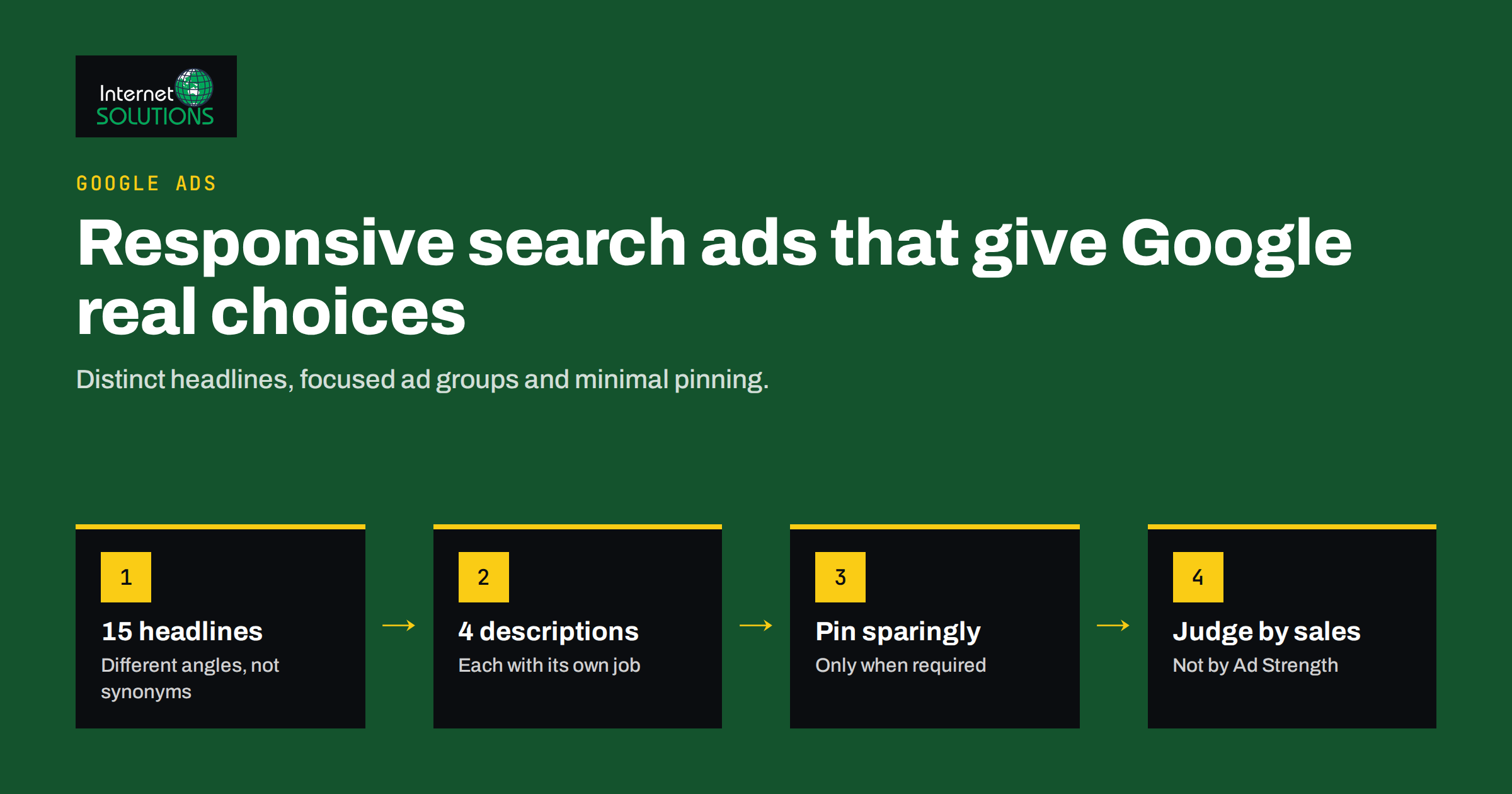
Responsive search ads are now the standard text ad format in Google Ads search campaigns. Instead of writing one fixed ad, you supply a set of headlines and descriptions, and Google assembles them into combinations, testing which ones work best for each search. In theory, this means better ads with less manual testing. In practice, many accounts end up with responsive search ads full of near-identical headlines, generic claims and pinned assets that cancel out the whole point of the format.
This guide explains how responsive search ads work, how to write headlines and descriptions that give the system something meaningful to test, when pinning helps and when it hurts, and how to read performance data without being misled by the Ad Strength indicator. It reflects the way our Google Ads team builds and reviews search ads for small and medium businesses.
How Responsive Search Ads Work
A responsive search ad is a collection of assets rather than a finished ad. You provide up to 15 headlines of up to 30 characters each and up to 4 descriptions of up to 90 characters each, plus a final URL and optional display path fields. At auction time, Google chooses which headlines and descriptions to show, and in which order, based on the search query, the device, the user’s context and what has performed well before. A single impression usually shows up to three headlines and up to two descriptions.
Google’s own overview of responsive search ads describes the limits and the minimums: at least three headlines and two descriptions are required, but providing more distinct options gives the system more room to find good combinations.
The important consequence is that any headline may appear next to any other headline and any description. Each asset has to make sense on its own, in any position, alongside any combination of the others. That single rule shapes almost every writing decision below.
What Makes a Good Set of Headlines
The most common mistake is writing fifteen variations of the same idea. “Professional Plumbing Services”, “Expert Plumbing Services” and “Trusted Plumbing Services” give the system three ways to say one thing. Instead, think of the headline set as covering several distinct roles.
Cover Different Angles
- Keyword relevance. Two or three headlines that closely match the main keywords of the ad group, so searchers immediately see that the ad answers their query.
- Offer and value. What the customer gets: free quote, same-day service, delivery terms, a trial, a warranty you actually provide.
- Proof. Facts that build trust: years in business, number of projects, ratings from a named source, certifications. Use only claims you can support.
- Differentiators. What sets you apart from the three other ads on the page: local team, specialisation, response time, language support.
- Calls to action. Clear next steps such as “Get a Quote Today”, “Book a Free Call” or “Compare Plans”.
- Objection handling. Short answers to the hesitation that stops people clicking: “No Long-Term Contract”, “Prices Shown Upfront”.
Vary Length
Mix shorter headlines with ones that use most of the 30 characters. Short headlines give the system flexibility to fit combinations on smaller screens; longer ones carry more information. A set where every headline is exactly 29 characters often looks repetitive when assembled.
Avoid Repeating Words Across Headlines
If the brand name appears in five headlines, there is a good chance it will appear twice in the same ad. Put the brand in one or two headlines and let the others do different work.
Write Headlines That Stand Alone
Do not write a headline that only makes sense after another one, such as “And We Deliver Free” or “Starting From Just”. Each asset must be a complete thought.
Writing Descriptions That Support the Headlines
Descriptions are shown less prominently but give you room to explain. With only four available, each should be distinct and useful.
- One description focused on the offer: what is included, for whom, and what happens after the click.
- One focused on proof and trust: experience, guarantees you actually offer, the kind of clients you serve.
- One focused on differentiation: the reasons to choose you over alternatives.
- One with a strong call to action and, where relevant, practical details such as service area or opening hours.
Like headlines, descriptions can appear in either position, so avoid writing a “first” and a “second” description that depend on each other.
Pinning: When to Use It and What It Costs
Pinning lets you fix a headline or description to a specific position. Pinned assets always appear in that position, which is useful when something must be shown, such as a legal disclaimer, a regulated wording or a brand name required by a client.
The cost is flexibility. If you pin a single headline to position one, every impression starts with that headline and the system can only test the remaining positions. Pinning several headlines to every position effectively turns a responsive search ad back into a fixed ad.
A Practical Approach to Pinning
- Pin only when there is a real requirement, not as a habit.
- Pin two or three alternatives to the same position instead of one, so the system can still choose between them.
- Prefer pinning to position one or two for keyword-relevant headlines if you must, and leave position three open.
- Review pinned ads separately, because their Ad Strength will be lower by design and that is acceptable when the pin is necessary.
Understanding Ad Strength
Ad Strength is a rating from Incomplete to Excellent that Google shows while you build a responsive search ad. It measures mainly the quantity, diversity and keyword relevance of your assets. Google’s article on Ad Strength for responsive search ads describes it as a best-practice guide rather than a performance measure.
Two points are worth keeping in mind:
- Ad Strength is a writing aid, not a result. An ad rated Good can outperform one rated Excellent on conversions and cost per acquisition. Judge ads by the business outcomes you track.
- Chasing Excellent can lower quality. Adding filler headlines or stuffing keywords to raise the rating often weakens the ad. Aim for Good or better with assets you would be happy to see in any combination.
Comparison: Common Approaches to Responsive Search Ads
| Approach | What it looks like | Typical result | Recommendation |
|---|---|---|---|
| Minimum assets | 3 headlines, 2 descriptions | Little to test, low Ad Strength | Add distinct assets until there are 10 or more headlines |
| Many near-duplicates | 15 headlines with the same message | Repetitive ads, weak learning | Rewrite to cover different angles |
| Heavy pinning | One pinned asset in each position | Behaves like a fixed ad | Pin only what is required, with alternatives |
| Keyword stuffing | Keywords forced into every headline | Higher rating, less persuasive copy | Use keywords in a few headlines, benefits in the rest |
| Balanced set | 10 to 15 distinct headlines, 4 descriptions, minimal pinning | Room to learn, readable combinations | The target for most ad groups |
Making Ads Relevant at Scale
Responsive search ads work best when the ad group itself is focused. If one ad group contains keywords for very different services, no set of headlines can be relevant to all of them. Group keywords by intent, so that one ad’s assets can speak directly to everyone searching within it. Our article on keyword match types and negative keywords explains how to keep ad groups tight.
Use the Display Path
The two display path fields appear after your domain in the ad and do not have to match a real URL. Use them to reinforce relevance, for example “/web-design/quote”. They are small details, but they make the ad look more specific.
Use Customizers Carefully
Features such as keyword insertion, location insertion and countdowns can make headlines more relevant automatically. They are powerful but easy to misuse: keyword insertion can produce awkward or even inappropriate text when the triggering keyword is unexpected. Use them in one or two headlines, always with a sensible default text, and check the search terms report regularly.
Connect Ads to the Landing Page
Every promise in a headline should be visible on the landing page. If an ad mentions a free consultation, the page must offer it clearly. Relevance between keyword, ad and page is also one of the components of Quality Score, covered in our article on Google Ads Quality Score.
Testing and Improving Over Time
Responsive search ads test combinations automatically, but they do not replace your judgement.
Give the System Time
New ads and new assets need impressions before performance data means anything. In low-volume ad groups, wait several weeks before drawing conclusions. Changing assets every few days resets learning and makes results hard to interpret.
Read Asset Performance
Google Ads shows a performance rating and impression data for individual assets, as well as which combinations were shown most often. Use these as hints: replace assets that consistently receive few impressions or low ratings with new ideas, and look at the top combinations to check that they read well together.
Test Big Ideas, Not Single Words
If you want to compare messages, such as price-led versus quality-led positioning, use separate ads or experiments rather than swapping one word in a headline. Small tweaks rarely produce differences you can measure on a small budget.
Judge by Conversions
Click-through rate is useful, but an ad that attracts more clicks from people who do not convert is not better. Compare ads on conversion rate and cost per conversion, with reliable conversion tracking in place.
A Worked Example: A Local Accounting Firm
Imagine an ad group for small business bookkeeping in one city. A weak headline set would repeat “Bookkeeping Services” in a dozen ways. A stronger set might include three relevance headlines (“Small Business Bookkeeping”, “Bookkeeping in Your City”, “Monthly Bookkeeping Service”), two value headlines (“Fixed Monthly Fee”, “Free First Consultation”), two proof headlines (“Serving Local Firms Since 2015”, “Certified Accountants”), two differentiators (“Reports in Plain Language”, “Replies Within One Day”), two calls to action (“Book a Free Call Today”, “Get Your Quote”) and one objection handler (“No Long-Term Contract”). Every claim in that list would, of course, need to be true for the firm and visible on the landing page.
The descriptions would then explain what the monthly service includes, who it is for, how onboarding works and how to get in touch. Nothing is pinned, because nothing is legally required. After a few weeks, the asset report shows which angles attract impressions and conversions, and the weakest two headlines are replaced with new ideas rather than small rewordings.
Common Mistakes to Avoid
- Writing headlines that only work in one order. Any headline may appear in any position.
- Using claims you cannot support, such as “Best in Europe” or prices that are not on the landing page.
- Pinning everything and then wondering why the ad does not improve.
- Running one generic ad across many unrelated keywords.
- Ignoring the search terms report, which shows what people actually typed before seeing your ad.
- Optimising for Ad Strength instead of results.
Frequently Asked Questions
How many headlines should a responsive search ad have?
Google allows up to 15. For most ad groups, 10 to 15 genuinely different headlines give the system enough options without forcing you to write filler. Quality and variety matter more than reaching the maximum.
Does Ad Strength affect my ad’s ranking in the auction?
Google describes Ad Strength as a best-practice indicator rather than a direct factor in the auction. Ad relevance and expected click-through rate, which influence Quality Score, matter more. Use Ad Strength as a writing aid.
Should I pin my brand name in the first headline?
Only if there is a clear reason, such as a client requirement. If you pin, add two or three brand-related alternatives to the same position so the system can still choose.
How many responsive search ads should each ad group have?
One well-built responsive search ad per ad group is often enough for small accounts. Add a second when you want to test a clearly different message, and avoid many similar ads splitting limited traffic.
How long should I wait before changing assets?
Wait until assets have gathered a meaningful number of impressions, which can take several weeks in small accounts. Frequent changes restart learning and make results hard to compare.
Can I still run expanded text ads?
New expanded text ads can no longer be created in standard search campaigns. Responsive search ads are the format to plan for.
The Bottom Line
Responsive search ads reward advertisers who give the system real choices. Write 10 to 15 distinct headlines that cover relevance, value, proof, differentiation and calls to action; keep four descriptions with different jobs; pin only what is required; and keep ad groups focused enough that every asset fits every search. Treat Ad Strength as a checklist and judge ads by conversions. If you would like help reviewing or rebuilding your search ads, our online advertising team can audit your account and set up ads that are easier to improve over time.