

 English
 Lietuvių
 Latviešu
 Eesti
Eesti Русский
 Polski
 Українська
 Deutsch
 Italiano
 Español
 Français
 Português
 Čeština
 Magyar
 Română
 Ελληνικά
 Türkçe
 日本語
日本語 العربية
 हिन्दी
 Bahasa Indonesia
 Bahasa Melayu
 ไทย
ไทย Tiếng Việt
 বাংলা
বাংলাTalkmio Integrations: Connecting Live Chat to the Tools Your Team Already Uses
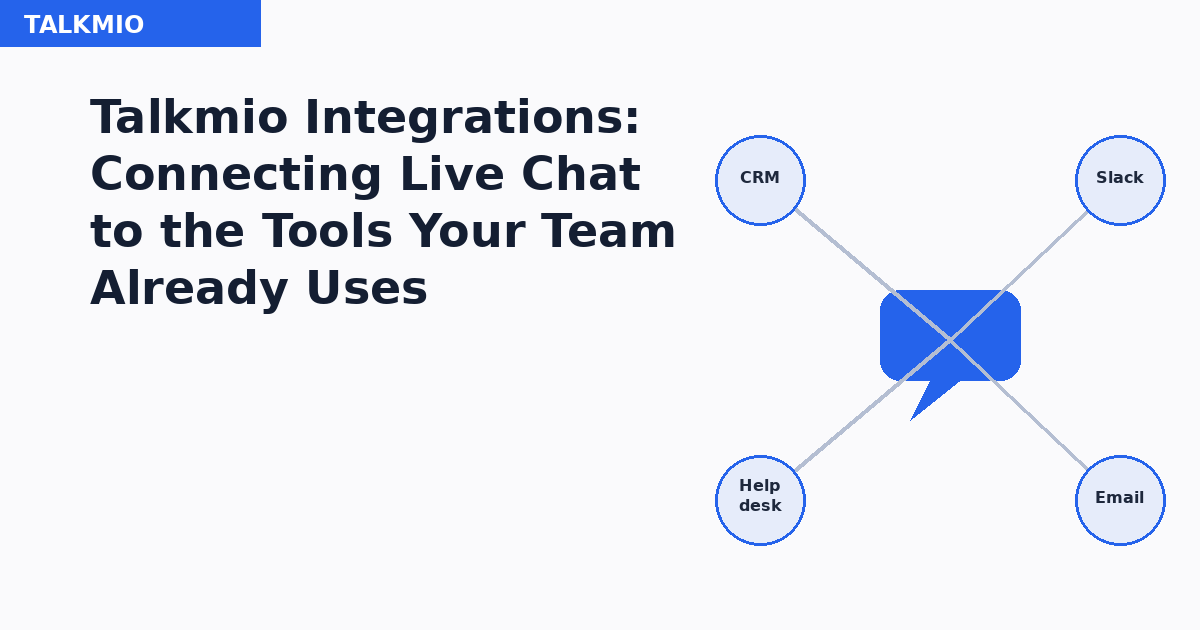
Live chat that exists on its own, disconnected from everything else a support or sales team uses, creates a second inbox nobody fully owns. A visitor asks a question in chat, an agent answers it, and then the conversation just sits there — invisible to the CRM tracking that visitor as a lead, invisible to the helpdesk tracking open tickets, invisible to whatever tool the sales team actually checks each morning. Integrations are what stop a chat widget from being an island.
Why the Chat Tool Shouldn’t Be the Last Stop
A conversation in Talkmio is rarely the end of a customer’s journey — it’s usually the beginning of one that continues somewhere else. A pre-sale question in chat needs to become a lead record in the CRM so a salesperson can follow up. A support issue that chat can’t fully resolve needs to become a ticket in the helpdesk so it doesn’t get lost when the chat window closes. An urgent question flagged during off-hours needs to reach a human through whatever channel the team actually watches, not sit unread in a chat dashboard until someone happens to check it. Each of these is a small handoff, and each one that has to be done manually is a place where information gets lost, delayed, or simply forgotten.
The Core Integration Categories
CRM Integration
Connecting Talkmio to a CRM means every chat conversation that identifies a visitor — through an email captured mid-chat, a returning customer’s account, or a form filled before the chat starts — creates or updates a record automatically, with the transcript attached as context. A salesperson picking up a lead the next morning sees exactly what was asked and answered overnight instead of starting the follow-up conversation from zero, and manually retyping a summary of what happened in chat becomes unnecessary rather than routine.
Helpdesk Integration
For support-heavy accounts, a chat conversation that isn’t resolved on the spot needs to become a proper ticket with its own tracking, priority and assignment — not a transcript that quietly disappears once the visitor closes the browser tab. Helpdesk integration turns an unresolved chat into a ticket automatically, carrying over the conversation history so the agent who eventually handles it isn’t starting from an empty description field.
Team Messaging (Slack and Similar Tools)
Real-time notification into whatever messaging tool a team already has open all day — a new chat starting, a visitor waiting past a defined threshold, a conversation flagged as urgent — closes the gap between “a customer is waiting” and “a human notices.” For small teams without a dedicated round-the-clock support desk, this is often the single integration that has the biggest practical effect on response time, since it moves the notification into a channel someone is already watching rather than a separate dashboard that has to be checked deliberately.
Email and Marketing Tools
A chat interaction can also feed email marketing platforms — adding a visitor to a nurture sequence based on what they asked about, or triggering a follow-up email if a chat ended without a resolution. This connects chat data to the same segmentation logic already driving broader email marketing campaigns, rather than treating chat-sourced leads as a separate list to manage by hand.
| Integration type | What it solves | Who feels the impact most |
|---|---|---|
| CRM | Chat leads don’t get lost between conversation and follow-up | Sales teams |
| Helpdesk | Unresolved chats become tracked, assignable tickets | Support teams |
| Team messaging | Faster human response to waiting or urgent visitors | Small teams without 24/7 coverage |
| Email/marketing | Chat-sourced leads join existing nurture and segmentation logic | Marketing teams |
Two Ways Integrations Actually Get Built
Most integrations fall into one of two patterns, and knowing which one a given tool uses affects how much setup effort to expect. A native integration is a pre-built connection Talkmio maintains directly with a specific popular tool, typically requiring only an account login and a short configuration step — these are the fastest to set up and the most reliable to maintain, since the mapping between systems is already handled. A webhook or API-based integration — a mechanism where one system automatically notifies another the moment an event happens — connects Talkmio to a tool without a dedicated native connector, sending conversation data to a URL the receiving system (or a middleware tool sitting between the two) is set up to accept. This covers a much wider range of tools but takes more setup work up front, and it puts more of the ongoing maintenance responsibility on whoever configured it, since a change on either side of the connection can break the webhook silently until someone notices data has stopped flowing.
What to Check Before Connecting Anything
Before wiring Talkmio into a CRM or helpdesk, it’s worth confirming exactly which fields will actually map across — a chat transcript, a visitor’s email, the page they were on, any tags applied during the conversation — since a mismatch here is the most common reason an integration “works” technically but produces records nobody finds useful. It’s also worth deciding, deliberately, whether every single chat should create a CRM record or only chats meeting some threshold (a real question asked, a certain conversation length, an identified email) — connecting everything without that filter tends to flood a CRM with low-value records from visitors who just glanced at the chat widget and closed it immediately.
Data privacy deserves the same deliberate attention: chat transcripts often contain personal information, and any integration that pipes that data into a second or third system needs to be covered by the same GDPR-aligned privacy and retention policy already governing the rest of the business’s customer data, not treated as a separate, forgotten data flow that predates the policy.
Where This Fits Into a Broader Support Stack
For businesses running Talkmio alongside an AI assistant, the integration question extends one step further: which conversations get handled by a human through these integrations, and which get resolved entirely by Ask Mio AI before a human is ever looped in at all. Getting that handoff boundary right — and making sure both paths ultimately land in the same CRM or helpdesk rather than two disconnected systems — is what keeps a growing support setup from splitting into two half-visible support histories for the same customer.
A Realistic Rollout Order
Teams that try to connect every possible integration on day one usually end up debugging several half-configured connections at once, with no clear sense of which one is causing a given problem. A more reliable sequence starts with the single integration solving the most acute pain point first — usually team messaging, since it’s the fastest to configure and produces an immediate, visible improvement in response time — before adding CRM or helpdesk connections once the team has a feel for how conversation volume and quality actually look in practice. Only after those core connections are stable and trusted does it make sense to add secondary automations, like feeding chat-sourced segments into email marketing, since those depend on clean, reliable data flowing correctly through the earlier integrations first.
Testing Before Trusting an Integration
Every new integration deserves a deliberate test pass before it’s left running unattended: a handful of test conversations covering different scenarios — an identified visitor, an anonymous one, a resolved chat, an unresolved one — checked end to end in the receiving system, not just confirmed as “connected” in Talkmio’s settings screen. This catches the most common silent failure mode, where a connection shows as active but a specific field isn’t mapping correctly, or a particular conversation type isn’t triggering the automation at all. A day spent testing before rollout is consistently cheaper than a month of a sales team working from CRM records that are quietly missing half the context a customer already provided in chat.
FAQ
Does every Talkmio plan include integrations?
Integration availability generally scales with plan tier, with native integrations to major CRM and helpdesk tools typically available on standard and higher plans, and webhook-based custom integrations often reserved for higher tiers given the additional support they can require.
Can Talkmio integrate with a CRM that doesn’t have a native connector?
Yes, in most cases, through webhooks or a middleware automation tool that sits between Talkmio and the target system, translating the conversation data into whatever format the receiving tool expects.
Will connecting a CRM slow down the chat widget for visitors?
No. Integrations run in the background after a conversation event happens; they don’t sit in the path of the live chat experience a visitor sees, so widget load time and responsiveness aren’t affected by how many integrations are configured.
What happens to existing chat history when a new integration is added?
This depends on the specific integration and configuration — some backfill recent historical conversations on initial setup, while others only begin syncing going forward from the moment the connection is turned on. This is worth confirming explicitly during setup rather than assumed.
Should every chat conversation create a CRM record?
Not necessarily. Many teams set a threshold — an identified email, a minimum conversation length, or a specific tag — so the CRM fills with genuinely useful leads rather than every visitor who briefly opened the widget.
How do I know if an integration has stopped working?
Most integration dashboards show a connection status and recent sync activity. Setting a periodic manual check, or an alert if available, is worth doing since a broken webhook can fail silently — data simply stops arriving on the other end without an obvious error on the Talkmio side.
The Bottom Line
A chat tool that isn’t connected to the systems a team already relies on creates extra manual work and a real risk of leads and unresolved issues quietly falling through the cracks. CRM, helpdesk and team-messaging integrations turn a chat conversation into a tracked, assignable, followed-up piece of the business’s existing workflow instead of a separate transcript nobody circles back to — and getting the field mapping and record-creation threshold right up front is what determines whether that connection produces useful data or just noise.