

 English
 Lietuvių
 Latviešu
 Eesti
Eesti Русский
 Polski
 Українська
 Deutsch
 Italiano
 Español
 Français
 Português
 Čeština
 Magyar
 Română
 Ελληνικά
 Türkçe
 日本語
日本語 العربية
 हिन्दी
 Bahasa Indonesia
 Bahasa Melayu
 ไทย
ไทย Tiếng Việt
 বাংলা
বাংলাLive Chat for Hotels and Guesthouses: Answering Guests With Talkmio
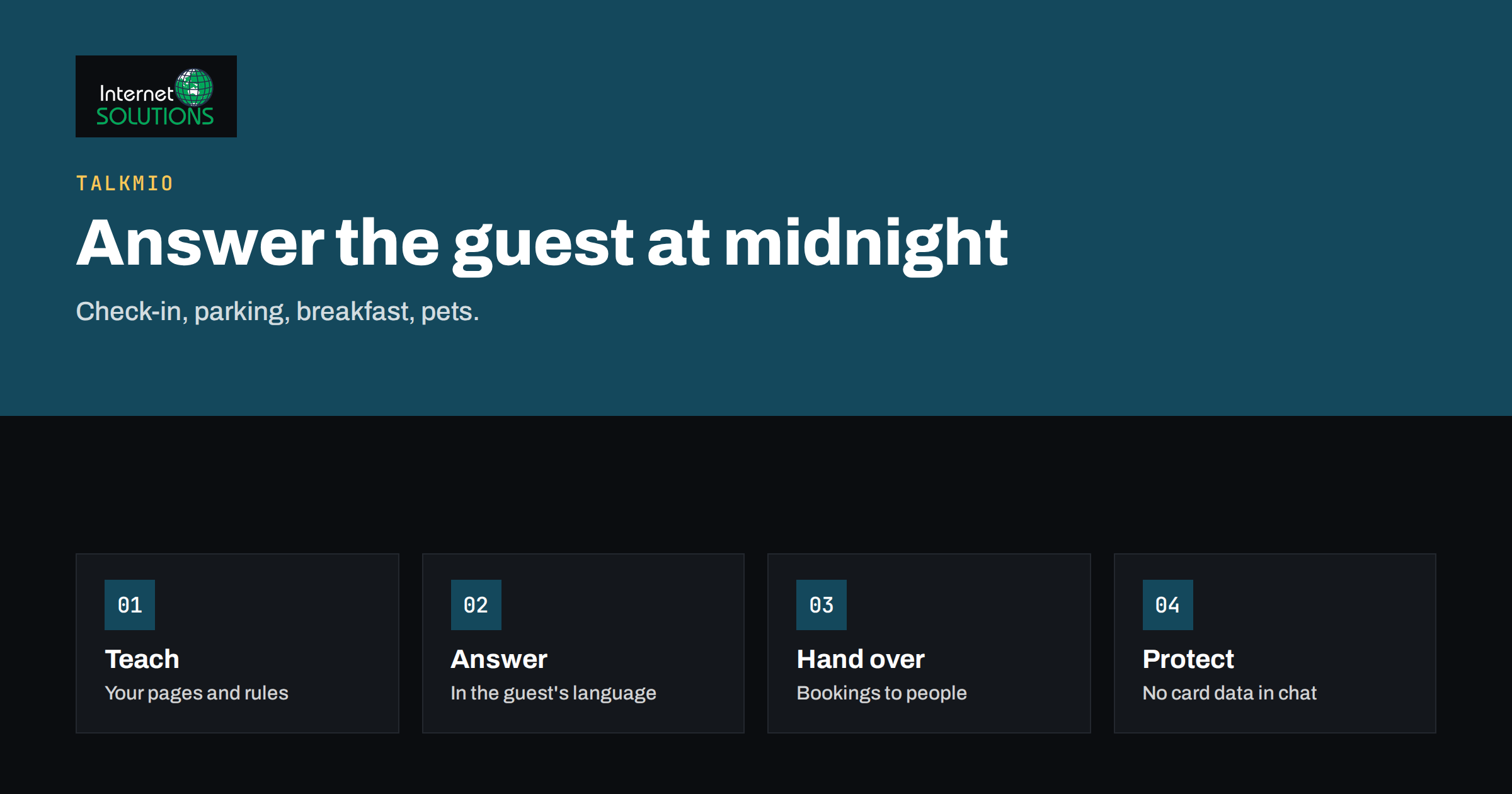
Live chat for hotels and guesthouses has a simple job: answer the question that stands between a visitor and a booking. Travellers ask the same things again and again. Is breakfast included? Can we arrive after midnight? Is there parking, and does it cost extra? Do you accept dogs? How far is the beach? Is the room accessible by lift? If the answer is easy to find, the guest books. If it is not, many of them open another tab and book with a property that replies faster. Talkmio puts a chat widget on your website, lets an AI assistant answer from your own content, and hands the conversation to your team when a person is needed.
This article explains how a small accommodation business can use Talkmio, what to teach it, how to handle the moments where a human must step in, and how to keep guest data and expectations under control. It is aimed at owners and managers of hotels, guesthouses, apartments, hostels and similar businesses that run their own website, with or without a separate booking engine.
What Guests Actually Ask
Before configuring anything, collect real questions. Read your last fifty emails and messages, and list the topics in groups. Most accommodation businesses find that a handful of themes cover the large majority of questions.
- Arrival and departure: check-in and check-out times, late arrival, luggage storage, directions, public transport.
- Rooms and facilities: bed types, room sizes, air conditioning, kitchen, lift, accessibility, Wi-Fi, laundry.
- Food and drink: breakfast times, dietary needs, restaurant, nearby options.
- Parking and travel: parking availability, charging points, airport transfers, bike storage.
- Policies: pets, children, smoking, cancellation, deposits, quiet hours.
- Local information: attractions, events, opening hours of nearby services.
Anything on that list that is currently hard to find on your website is a candidate for improvement, and the chat will expose it. Our article on what chat transcripts reveal about your website explains how to use the questions as a content roadmap.
Teaching Talkmio About Your Property
Talkmio answers from the content you give it: your website pages, a list of questions and answers, and documents such as PDF, Word or text files. It is designed to answer from that material and to hand over when it is not sure, rather than invent prices or policies. That behaviour depends on the quality of what you provide, so spend your effort here.
- Connect your website so that Mio reads your room pages, facilities, location and policies.
- Add a question-and-answer set for the topics above, written in plain, specific sentences. “Check-in is from 15:00. Late arrival after 22:00 needs a message in advance” is better than “flexible check-in”.
- Upload documents such as house rules, a breakfast menu, a seasonal price list or a directions sheet.
- Mark what Mio must not decide. Availability, special rates and exceptions belong to a person or to your booking system, so make the answer a hand-over with a clear explanation.
- Keep dates current. Seasonal changes, building works and holiday closures should be updated promptly.
The article on the Talkmio knowledge base explains how to test the answers before you go live. Ask Mio the twenty most common questions, in two or three languages, and check each reply against your policies.
Languages and Guests From Abroad
Accommodation is one of the most international kinds of business. Talkmio replies in the language the visitor writes in, and it supports 30 or more languages, including the major European ones, with a translated chat window. That lets a small property answer a guest in German at midnight without a German-speaking receptionist. Check your key policies in each language that matters for your market, and write the source content clearly, because simple sentences translate better than clever ones. Our guide to multilingual live chat covers testing and tone.
Bookings, Availability and Payments
A chat widget does not replace your booking system. Treat it as the friendly layer in front of it. Mio can explain room types, point to the booking page and answer policy questions, but it should not promise availability or quote a rate that your system has not confirmed. For prices, link to the page where the live rate appears, or hand the conversation to a person who can check. If your booking engine runs on a separate domain, check whether it allows you to add a script on its pages, and if it does not, place the chat on your own pages and give a clear link into the booking flow.
Never ask guests to type card numbers or identity documents into a chat. Say plainly that payments happen through your secure booking page, and train staff not to request card data by chat or email.
Handing Over to a Person
Some conversations should go to a human quickly: complaints, special requests, group bookings, accessibility needs that require judgment, and anything involving money or safety. When Mio cannot help, it tells the guest that it is connecting them with a person, and the conversation appears in your inbox with its history. If nobody is online, the guest can leave an email address and your reply goes out as an email. Decide in advance who watches the inbox at which hours, and set realistic expectations on the widget about when people answer. The principles in our article on after-hours live chat apply directly to a front desk that closes at night.
What Changes in Everyday Work
| Situation | Without chat | With Talkmio | Your action |
|---|---|---|---|
| Guest asks about parking at 23:00 | Email answered next morning | Instant answer from your parking page | Keep the parking page accurate |
| Guest from abroad writes in their language | Delay or machine translation by hand | Reply in the guest’s language | Test key policies in main languages |
| Guest asks for a discount or special rate | Phone call or email | Hand-over to a person | Decide who answers and how fast |
| Guest reports a problem during the stay | Phone call to reception | Chat or ticket, then a person responds | Make urgent contact numbers visible |
| Peak season, many repeat questions | Staff overloaded | Mio handles the routine ones | Review transcripts weekly |
Seeing Who Is on Your Site
Talkmio shows who is on your site right now, including country, the page they are viewing, device and source. For a hotel, that can be useful in a practical way: a visitor looking at the family-room page for several minutes might welcome a short message offering help. Use this sparingly and respectfully. A polite, relevant greeting on a key page is helpful, while a pop-up on every page is a nuisance. Our article on chat triggers and rules describes how to set up a few well-timed messages and avoid the rest.
Privacy, Consent and Guest Data
Guests are individuals, and what they type can include names, travel dates, health needs and family details. Treat chat data accordingly. Add a clear link to your privacy notice in the widget, state what you collect and why, and keep conversations only as long as you need them. Conversations belong to you, and you can export or delete them. Do not ask for more personal information than the task requires, and avoid collecting sensitive details in chat when a phone call or a secure form would do. The European Commission’s data protection pages summarise the rules that apply to businesses serving EU residents, and our article on live chat and GDPR covers the practical steps for chat in particular.
Mobile Guests and Accessibility
A large share of travellers browse and book on a phone, often in transit, on a weak connection and with one hand free. Place the chat button where it does not cover the booking button, keep the greeting short and make sure the window is easy to close. Guests with disabilities are also an important audience for accommodation, and many of them look for specific information before they book: step-free access, lift size, bathroom layout, hearing loops, assistance animals. Put those facts into your knowledge base in plain terms, with measurements where you have them, and avoid vague words such as “accessible” without detail. The W3C introduction to web accessibility is a useful reference for the wider website, and our article on live chat on mobile websites covers placement and page speed.
Seasonal Peaks and Quiet Periods
Accommodation demand moves in waves, and the chat should move with it. Before the high season, review every answer that mentions opening dates, prices, minimum stays and events, and add a short notice for anything unusual such as roadworks or a local festival that affects parking. During the peak, read transcripts weekly and watch for new questions, because crowded periods bring new kinds of guest and new kinds of problem. In quiet months, use the time to improve the source pages, add photographs and captions, and refine the hand-over rules. Treat each cycle as an opportunity to make the next one easier, and keep a short change log so that staff know when an answer was last checked.
Measuring Whether It Works
- Questions answered by Mio alone. A rising share means your knowledge is good, as long as ratings stay healthy.
- First-reply time for conversations that need a person.
- Chat-started enquiries and bookings, by asking guests how they found you and by checking the booking source.
- Recurring topics, which show where your website or your policies are unclear.
- Guest ratings of chat conversations.
Review these once a month, update the knowledge base and decide what to fix on the website itself. Good chat results often start with a clearer page, not a cleverer reply.
A Simple Setup Plan for One Week
- Day 1: list the fifty most common guest questions and group them.
- Day 2: create the account, add the widget to your website and connect your pages.
- Day 3: write question-and-answer entries and upload house rules and menus.
- Day 4: test twenty questions in your main languages and fix the weak answers.
- Day 5: set opening hours, the greeting and the hand-over rules, and decide who watches the inbox.
- Day 6: go live on the pages with the most visitors.
- Day 7: read the first transcripts and make the first round of improvements.
For the product, the free plan and the current limits, see the Talkmio page.
Frequently Asked Questions
Can the chat take bookings?
Treat it as a helper in front of your booking system. It can explain options and direct guests to the booking page, but availability and payment should stay in your booking engine or with your team.
Will it invent prices or policies?
Talkmio is designed to answer from the content you provide and to hand over to your team when it is not sure. Keep your content accurate and test the answers, especially for prices, cancellation rules and special offers.
What if we have no one at the desk at night?
Mio can still answer common questions at night. For anything else, the guest can leave an email address and you reply from the inbox the next morning.
Does it work with languages other than English?
Yes. Mio replies in the language the visitor writes in and supports many languages. Test your main markets before launch.
How do we install it?
Paste one line of code before the closing body tag of your site, or use the WordPress plugin if your site runs on WordPress. A developer is not usually required.
Is there a free plan?
Yes, there is a free plan with limits on operators, websites and AI answers per month. Check the current limits on the Talkmio website to see whether it fits a small property.
The Bottom Line
For a hotel or guesthouse, live chat is a way to answer the routine questions instantly and to give guests a person when it matters. Collect the real questions, teach Mio from clear content, test in the languages your guests speak, keep bookings and payments in your secure system, and decide who handles hand-overs. Review transcripts monthly and let them improve your website as well as your replies. A guest who gets a quick, accurate answer at midnight is far more likely to book than one who waits until morning. To explore the product and start a free account, visit the Talkmio page.